
3. Product Configuration
Product configuration enables business-specific settings for products created in Developer Center. Before configuring a product, you must first authorize data for the Asset Management Solution under “Solutions By Industry” in Developer Center. Click "Authorize Data", and select the products that need to be managed in AMP for authorization.
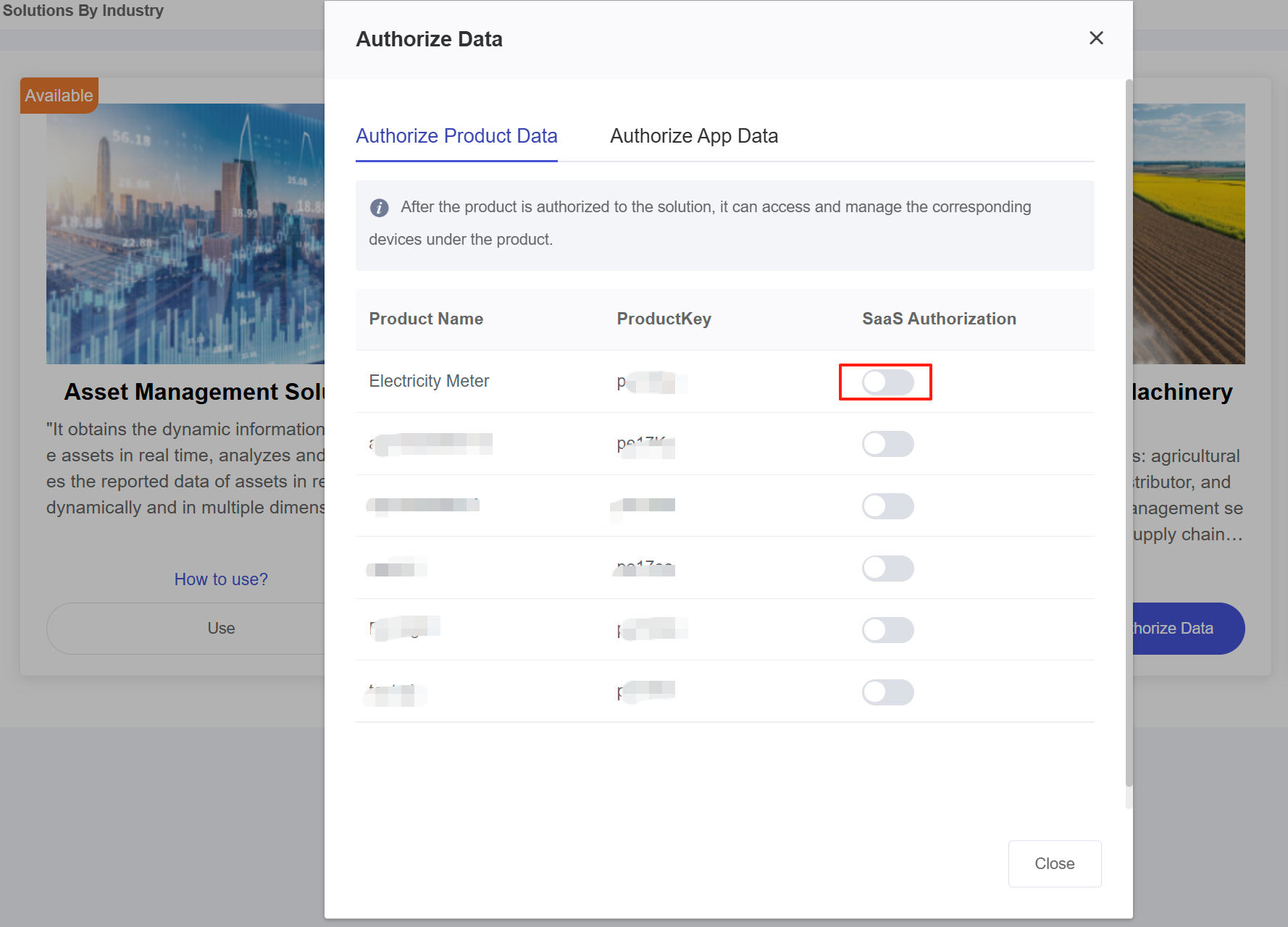
Products that have been authorized will be displayed in the “Product” menu of AMP. To manage devices under these products, ensure the “Product Activation” switch is turned on. Activating the product means the platform will subscribe to product messages, enabling real-time device data updates.
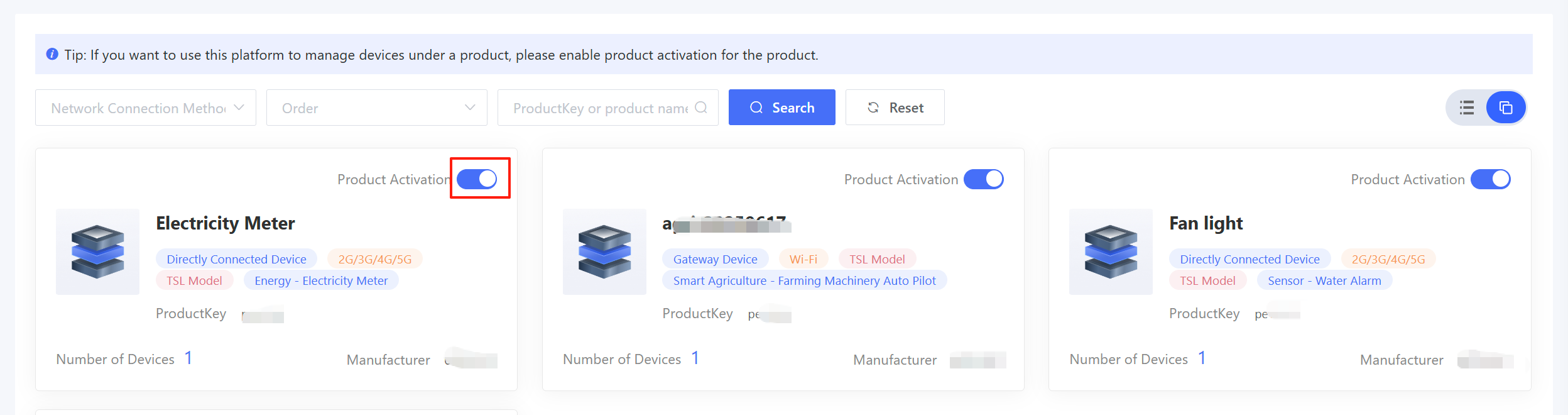
Click on the product card to enter the Product Configuration Page, where various business configurations are supported.
3.1 Category Settings
The device details page is displayed with a default general layout. If you want to customize the details page, configure it by following the steps. Step 1: The super administrator configures a custom details page based on your provided product type. Step 2: You can then select the custom details page for the Device Details option.
