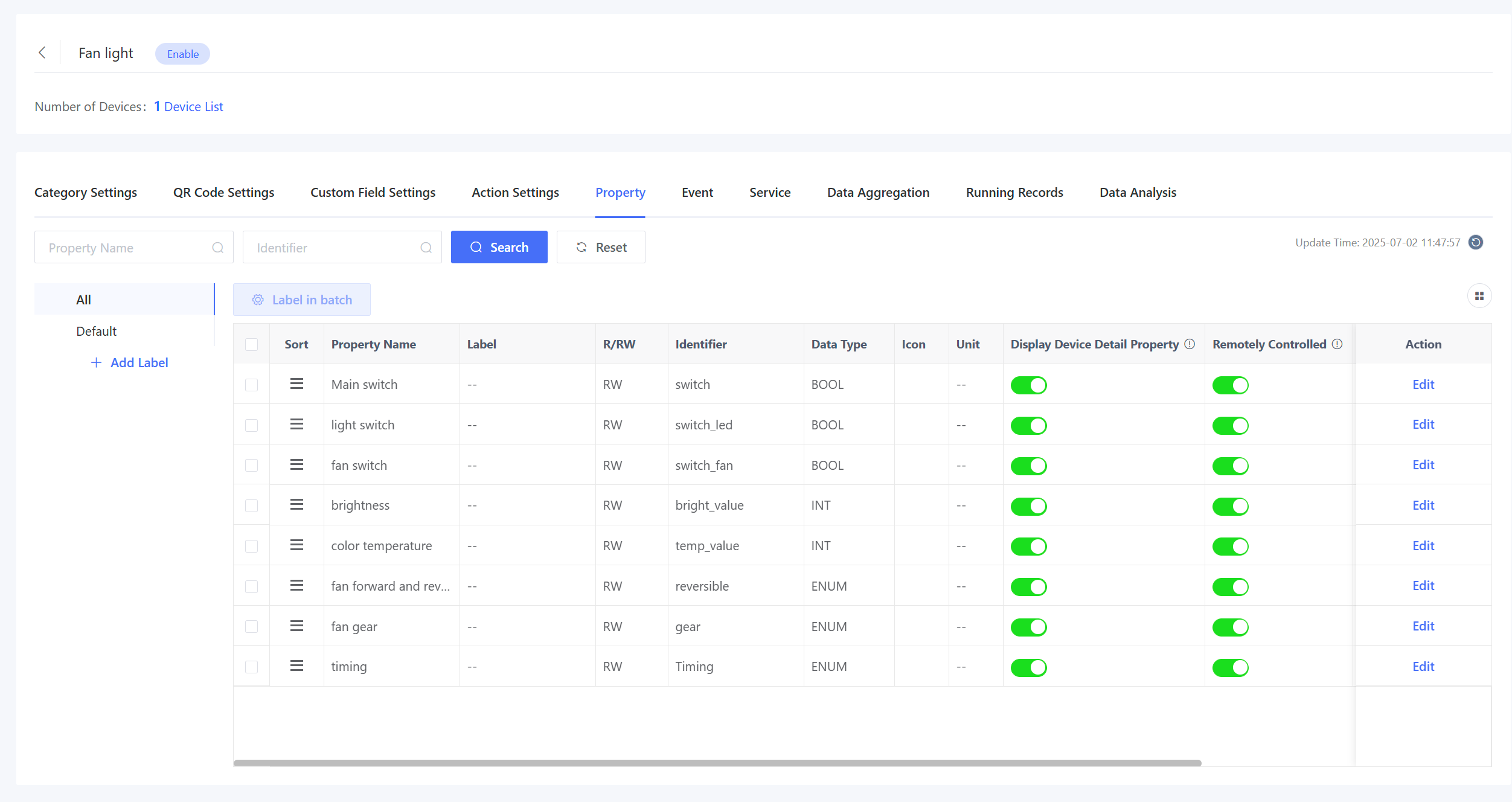
3.5 Property
You can configure the property icon, label, and whether to display the property in the device list on this page.
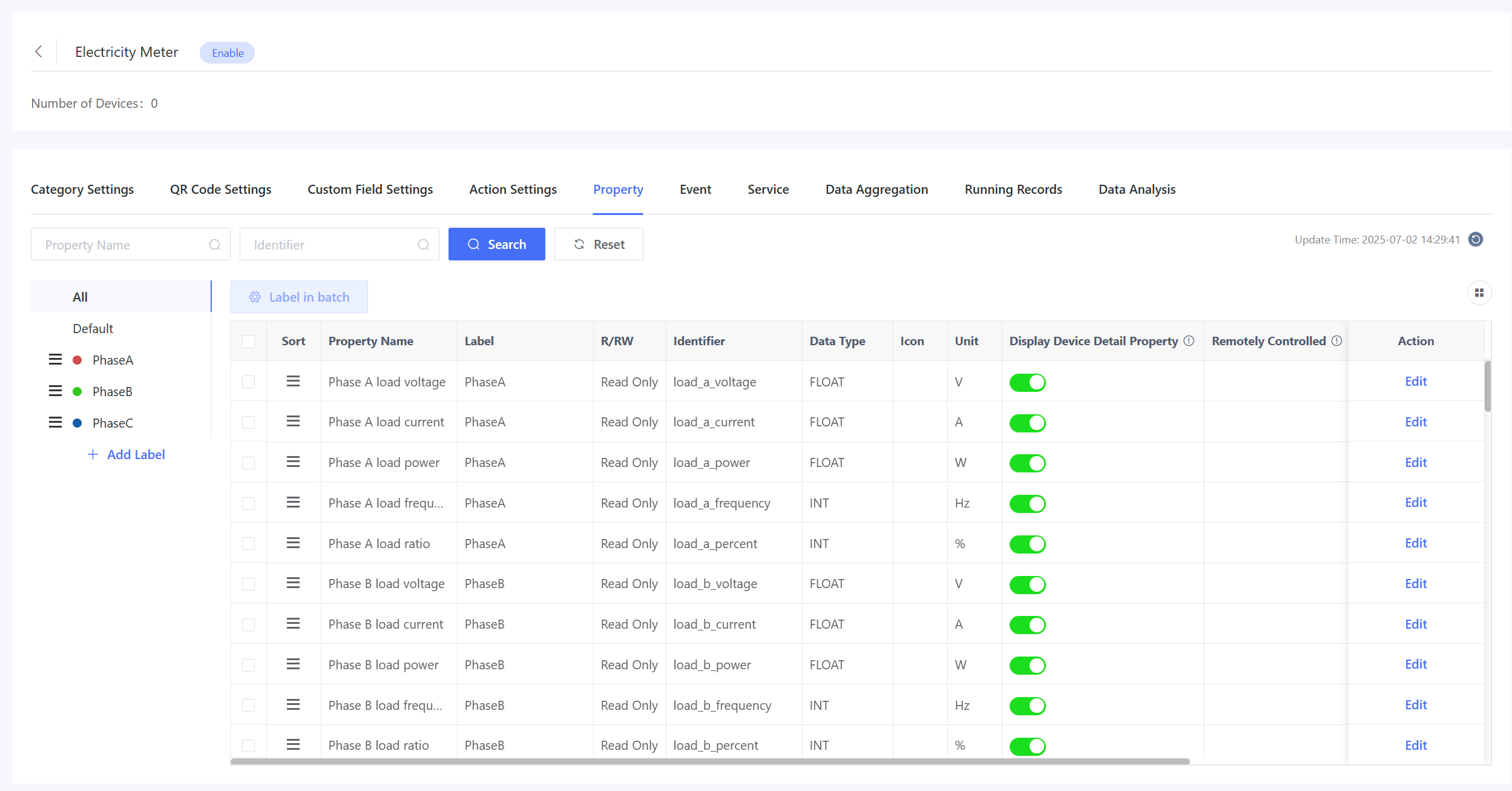
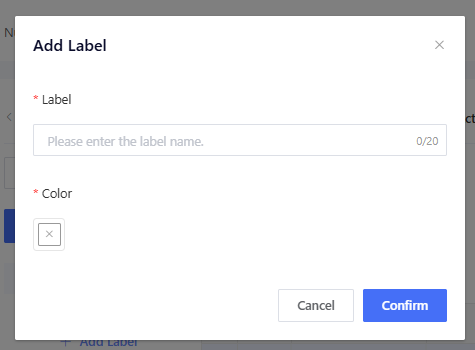
Property Label: Categorize properties with labels. For example, create separate labels like “Phase A”, “Phase B”, and “Phase C” for energy storage devices with phases A, B, and C.
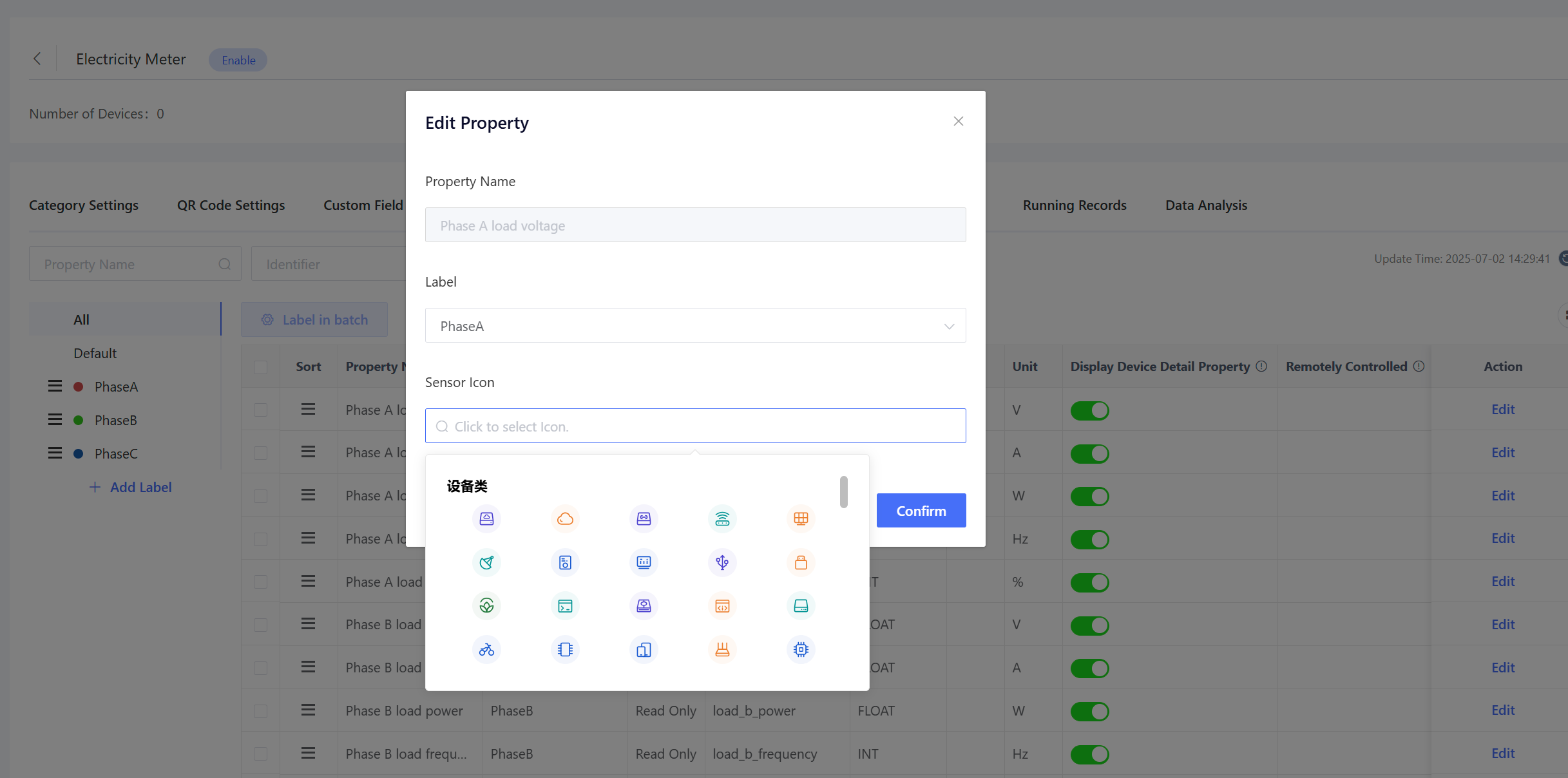
Edit Property: Select a property label and property icon.
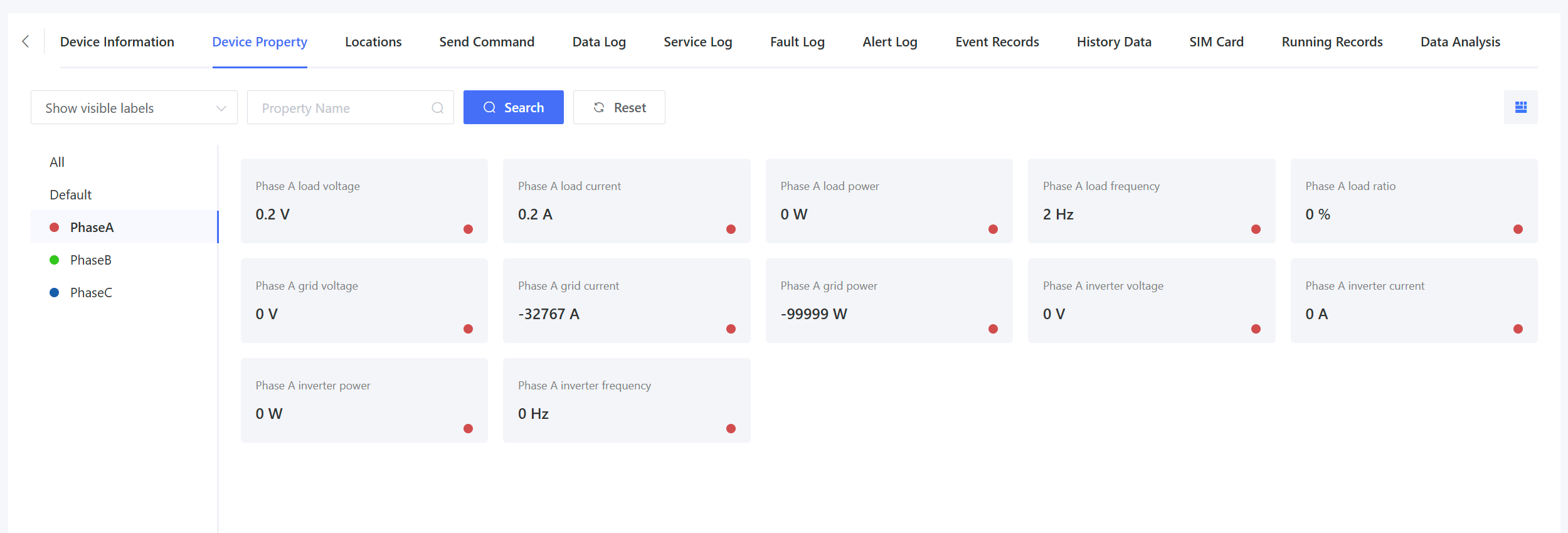
Configured properties can be viewed by labels on the “Device Details” page.
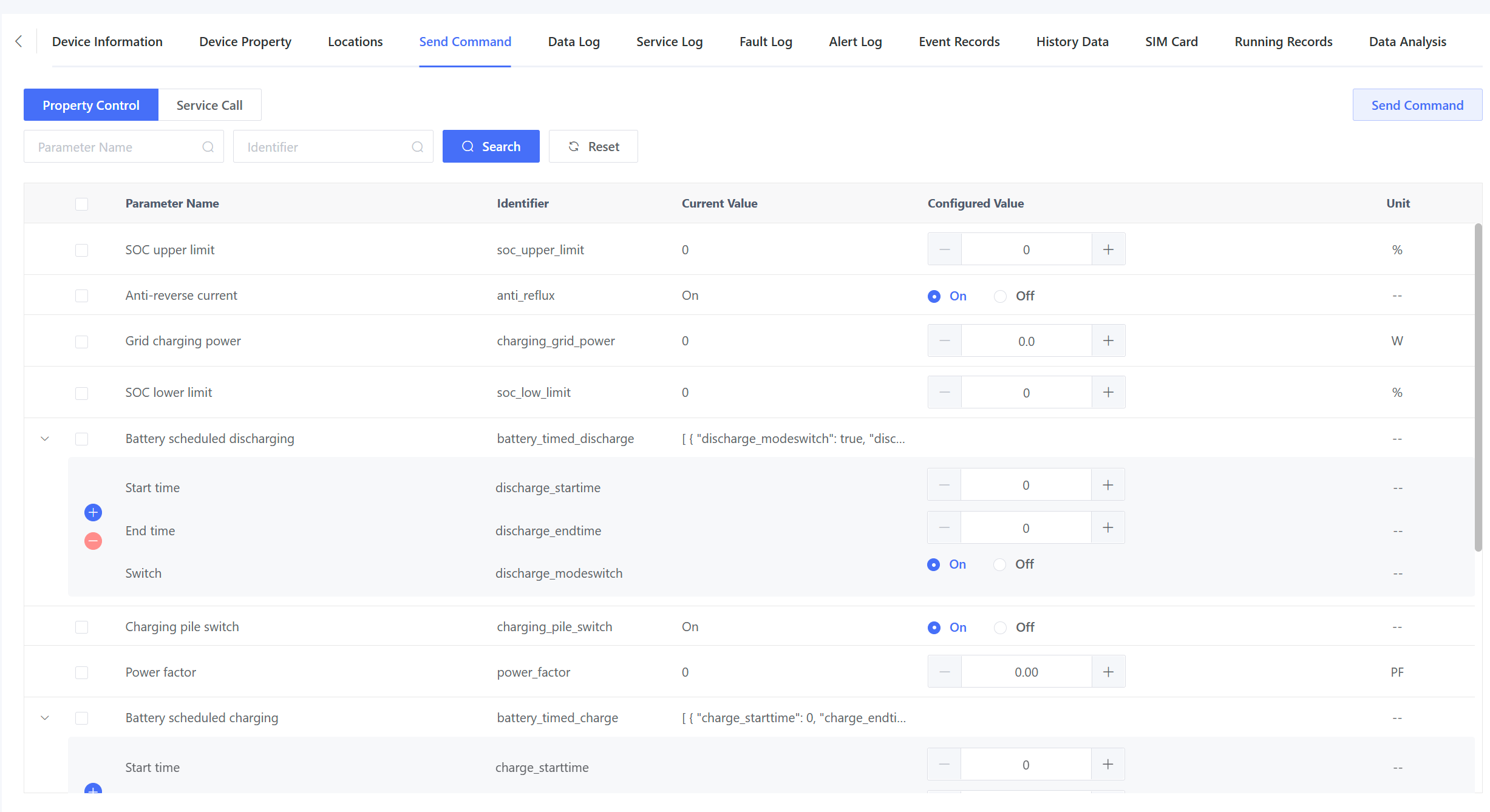
Additional settings include: Displayed in Device Details: Whether to display the property on the “Device Details” page. Remotely Controlled: Whether to enable remote control via the “Device Details” - “Send Command” page for writable properties.
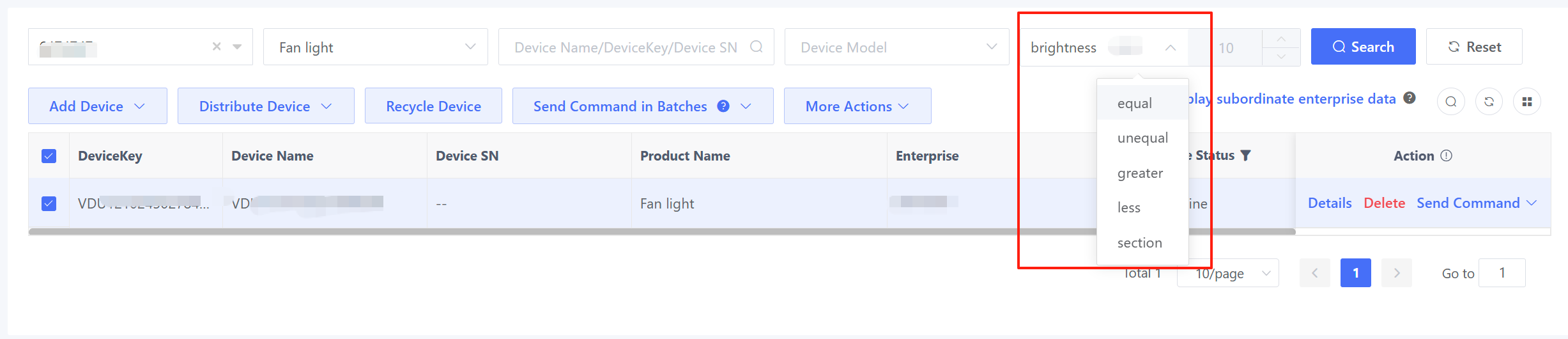
Displayed in Device List and Displayed in Search Condition: Whether to display the property in the device list or searching conditions. For example, when these options of electricity consumption property are enabled, the filtering conditions and values for the current day's electricity consumption will be displayed after the product is selected on the device list page, and the property values will be the last reported data of the device.