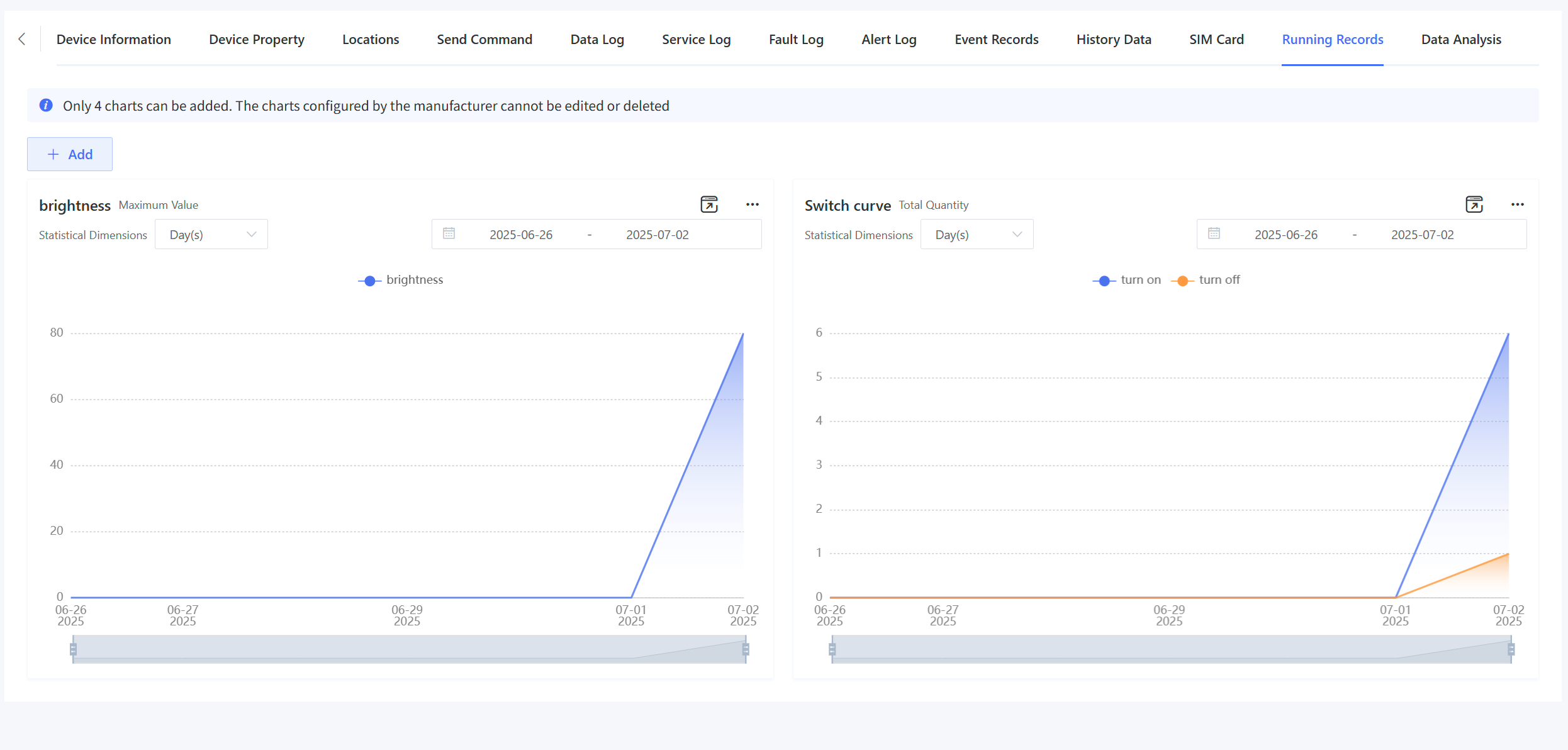
3.9 Running Records
This feature allows custom aggregation of TSL data to generate device operational records. Prerequisite: Configure required TSL properties in "Product" > "Data Aggregation" before setup.
Running records support product-level and user-level configuration.
Product-level configuration: Configure the running records through “Product Configuration” - “Running Records”. The configuration applies to all devices under the product, and actual running records are displayed on the “Device Details” - “Running Records” page.
User-level configuration: Configure the running records through “Device Details” - “Running Records”. The configuration applies only to the current user when viewing this device and other devices of the same product.
The methods for the two configuration types are the same, as described below.
Click “Add” and complete the information in the pop-up window.
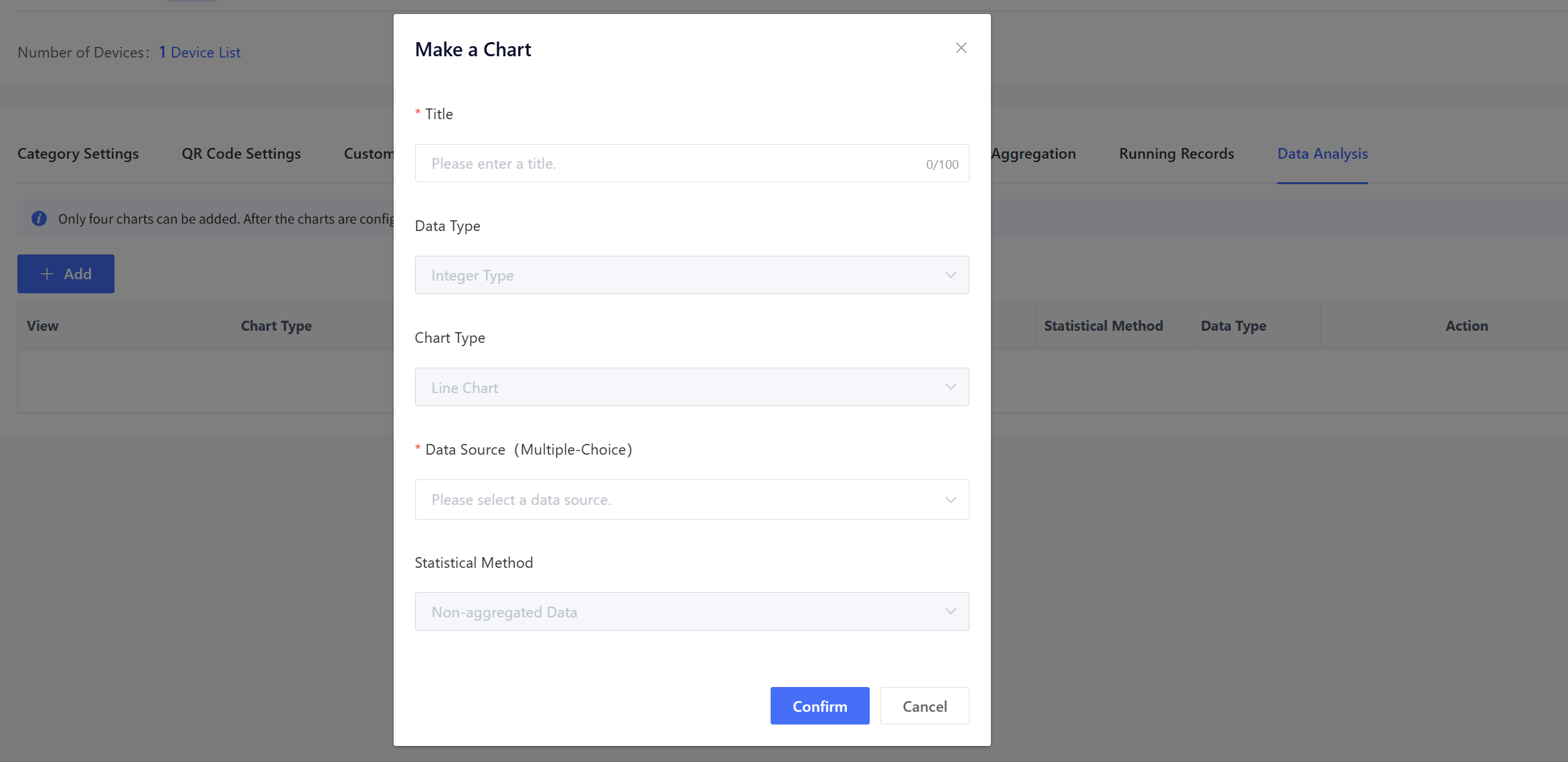
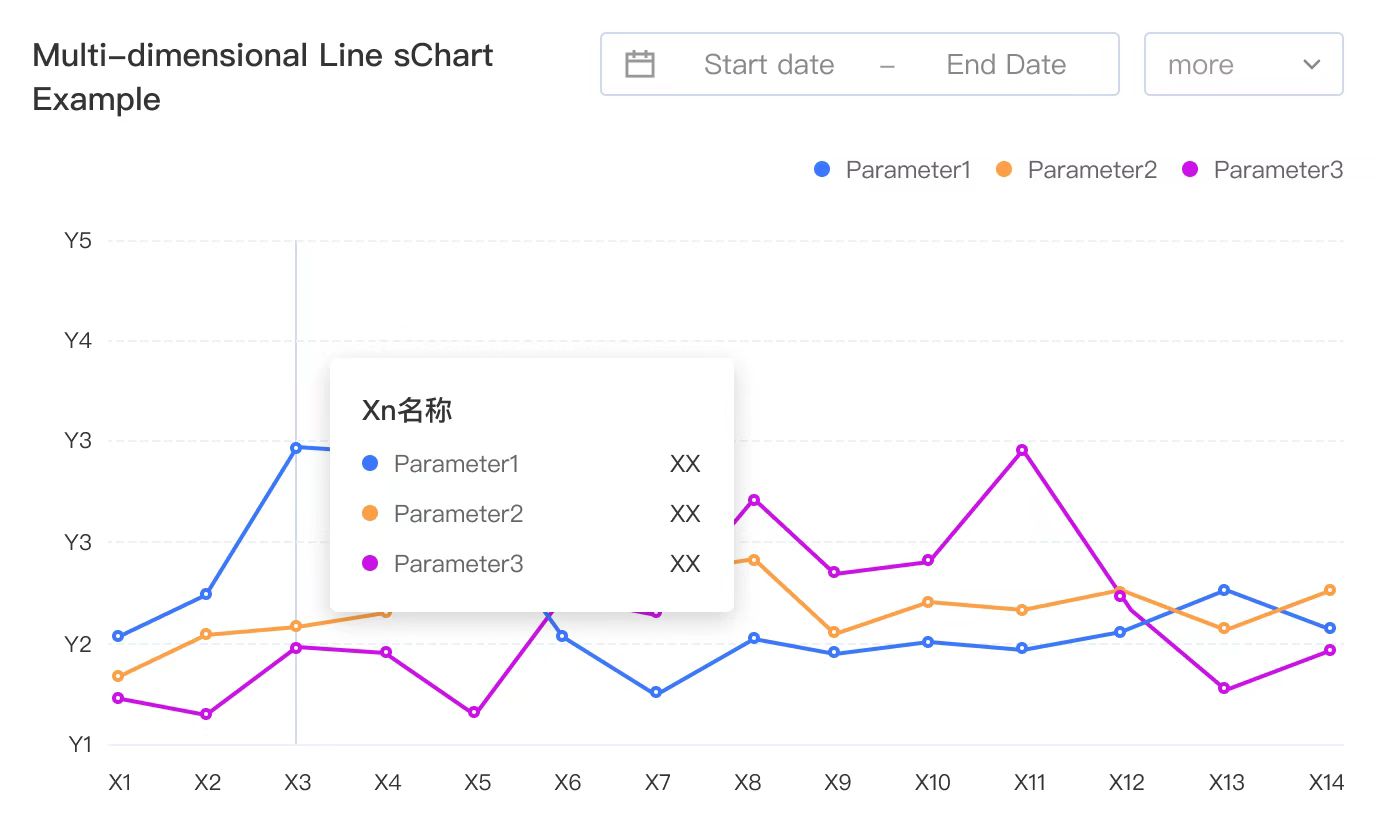
Title: Chart title of running records. Data Type: TSL model type to analyze. Chart Type: Line chart/Bar chart.
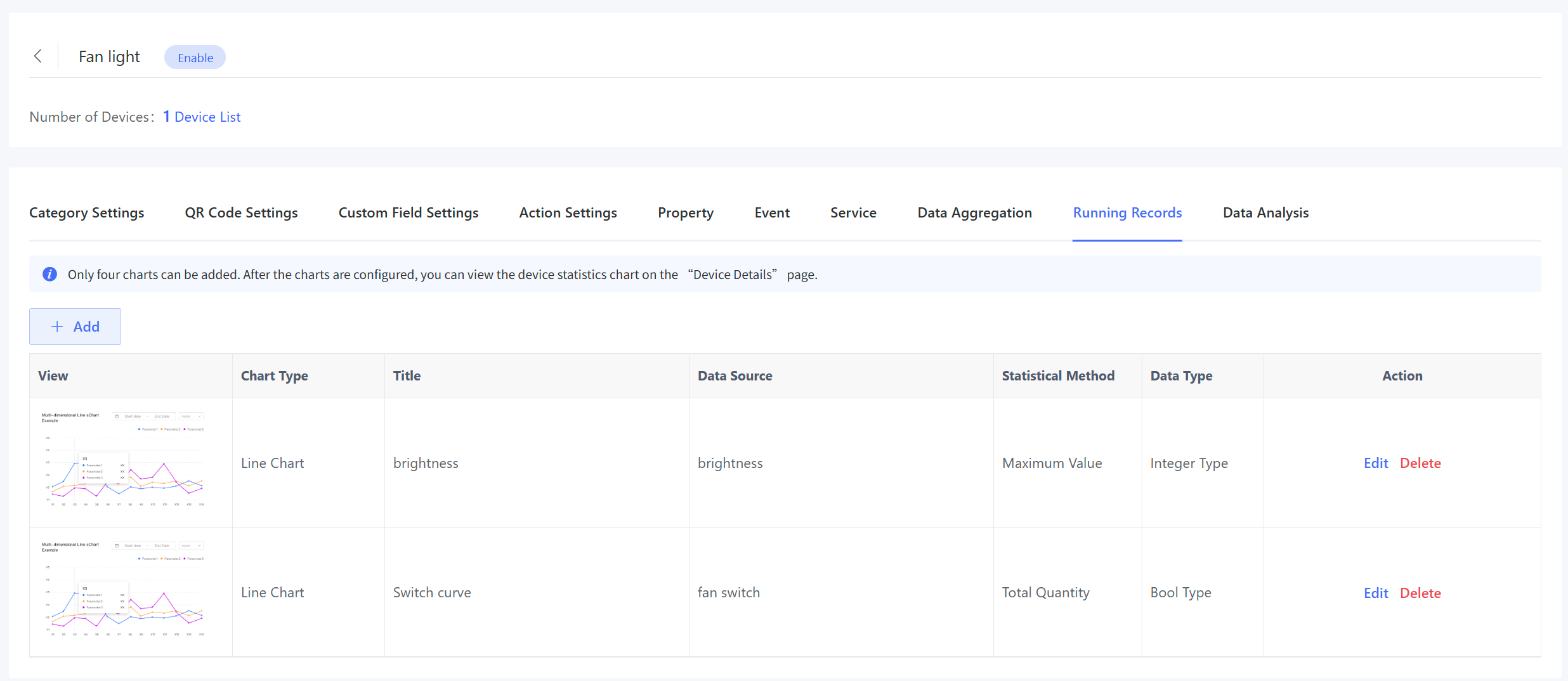
Y-axis (Unit): Measurement unit of a property (e.g., "A" for current). Data Source: Aggregated properties (multi-select). If there is no available data source, click “Data Source Aggregation Settings” to configure the data source first. For more details, see Product Configuration - Data Aggregation. Statistical Method: maximum value, minimum value, average value, and sum value for numeric data; Sum value for Bool/Enum data only. Click “Confirm” to save the settings and add a running record chart. At most 4 running record charts can be added.
After configuration, the charts will be displayed on the “Device Details” - “Running Records” page. You can switch between hourly/daily views.