3.10 Data Analysis
This feature supports creating charts from raw property data. Currently, only the TSL model in integer type and line chart are supported. Click “Add” and complete the information in the pop-up window.
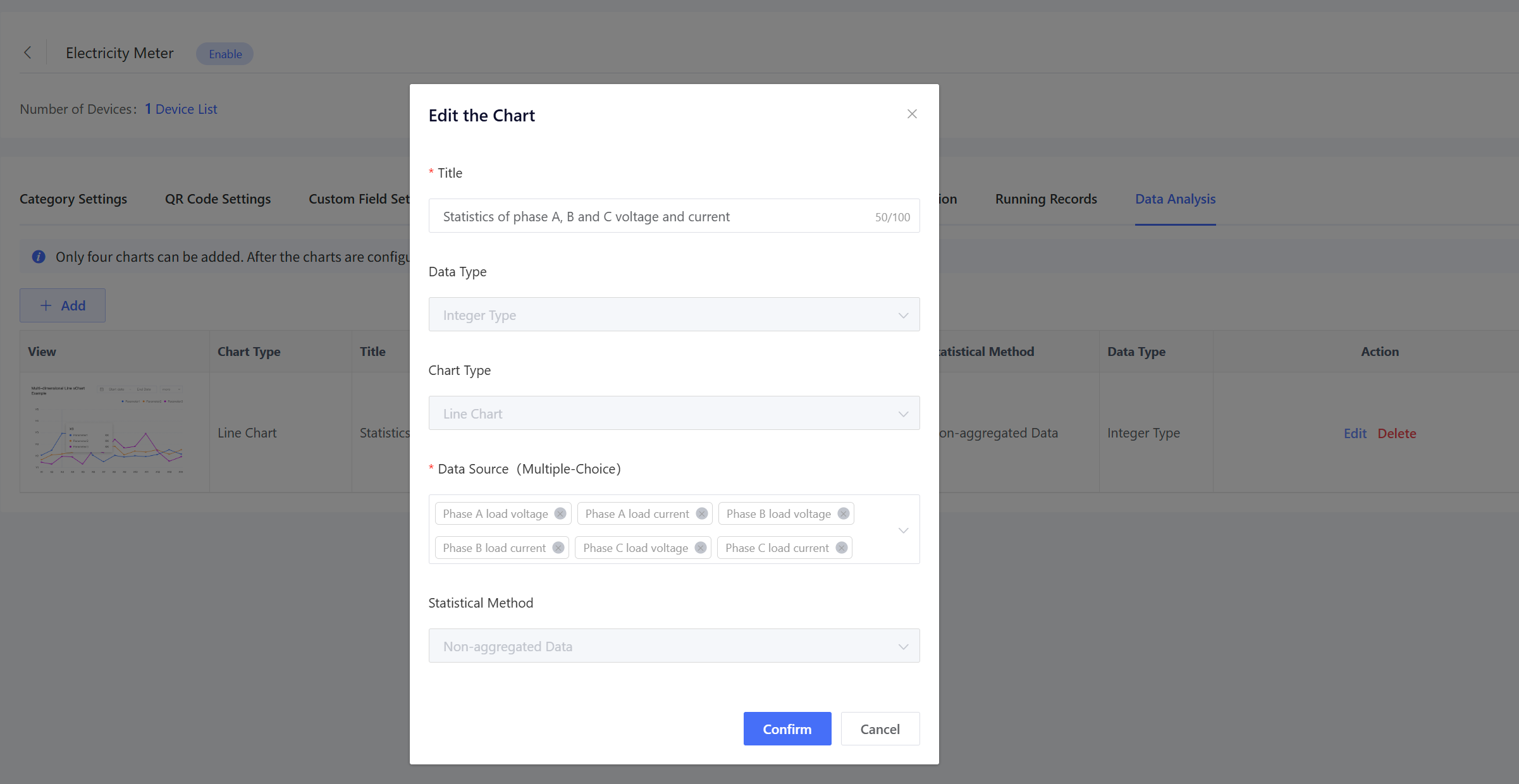
Title: Chart title of data analysis. Data Source: TSL properties to analyze, and multiple selections are supported. Click “Confirm” to save the settings and add a data analysis chart.
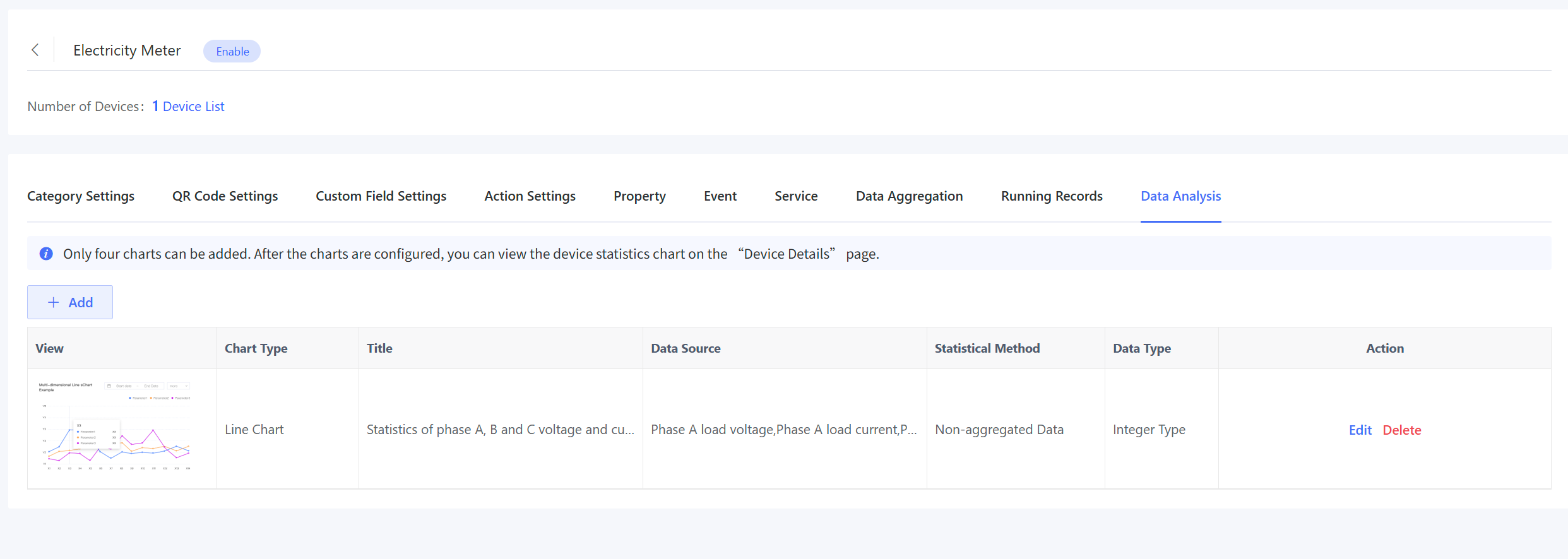
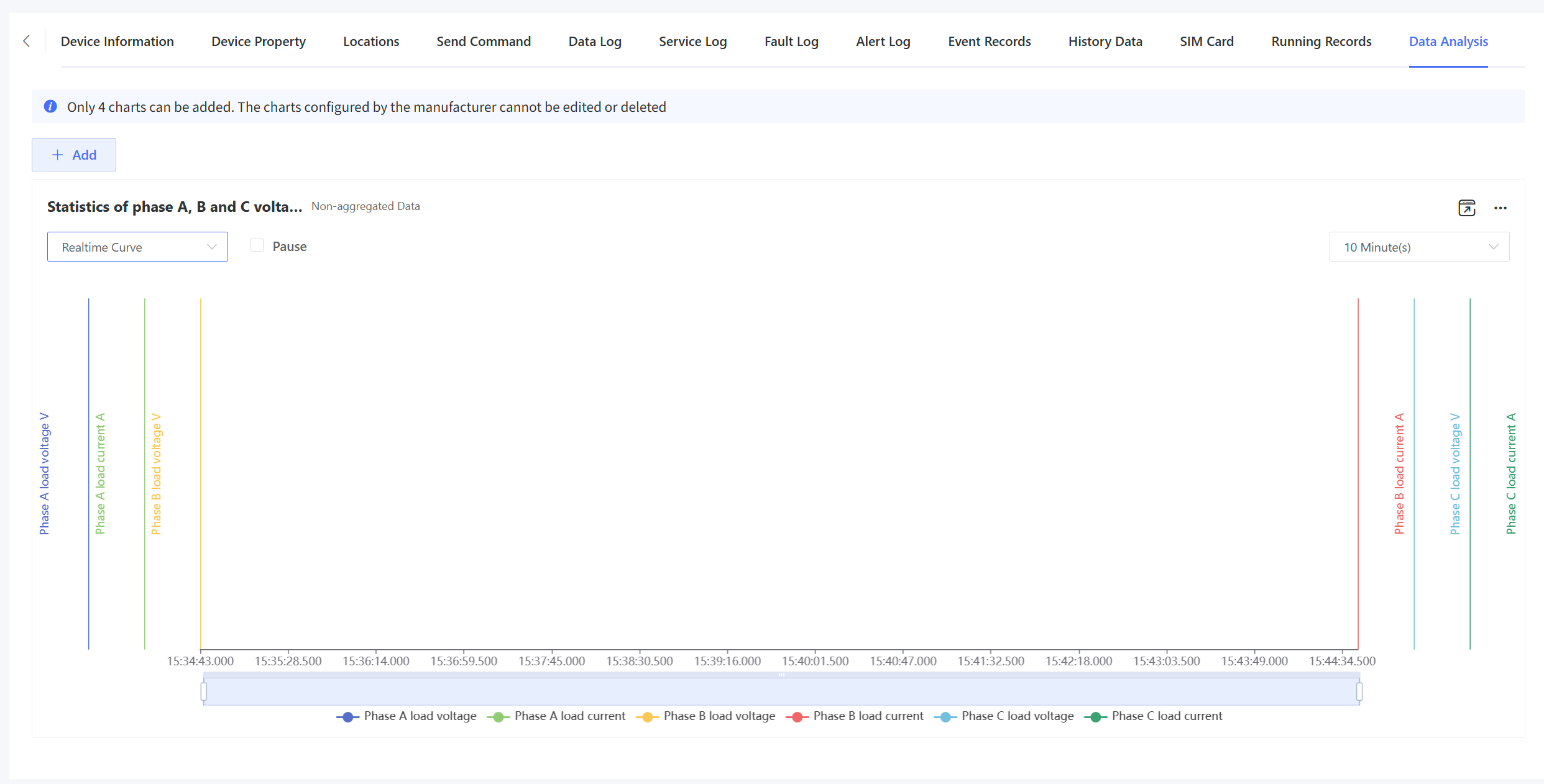
After completion, you can view the data analysis chart generated based on the device data on the “Device Details” - "Data Analysis” page, and you can switch between real-time curves and historical curves. The real-time curve allows you to view real-time data within 1 hour/30 minutes/10 minutes and supports exporting statistical images, as shown in the following figure.
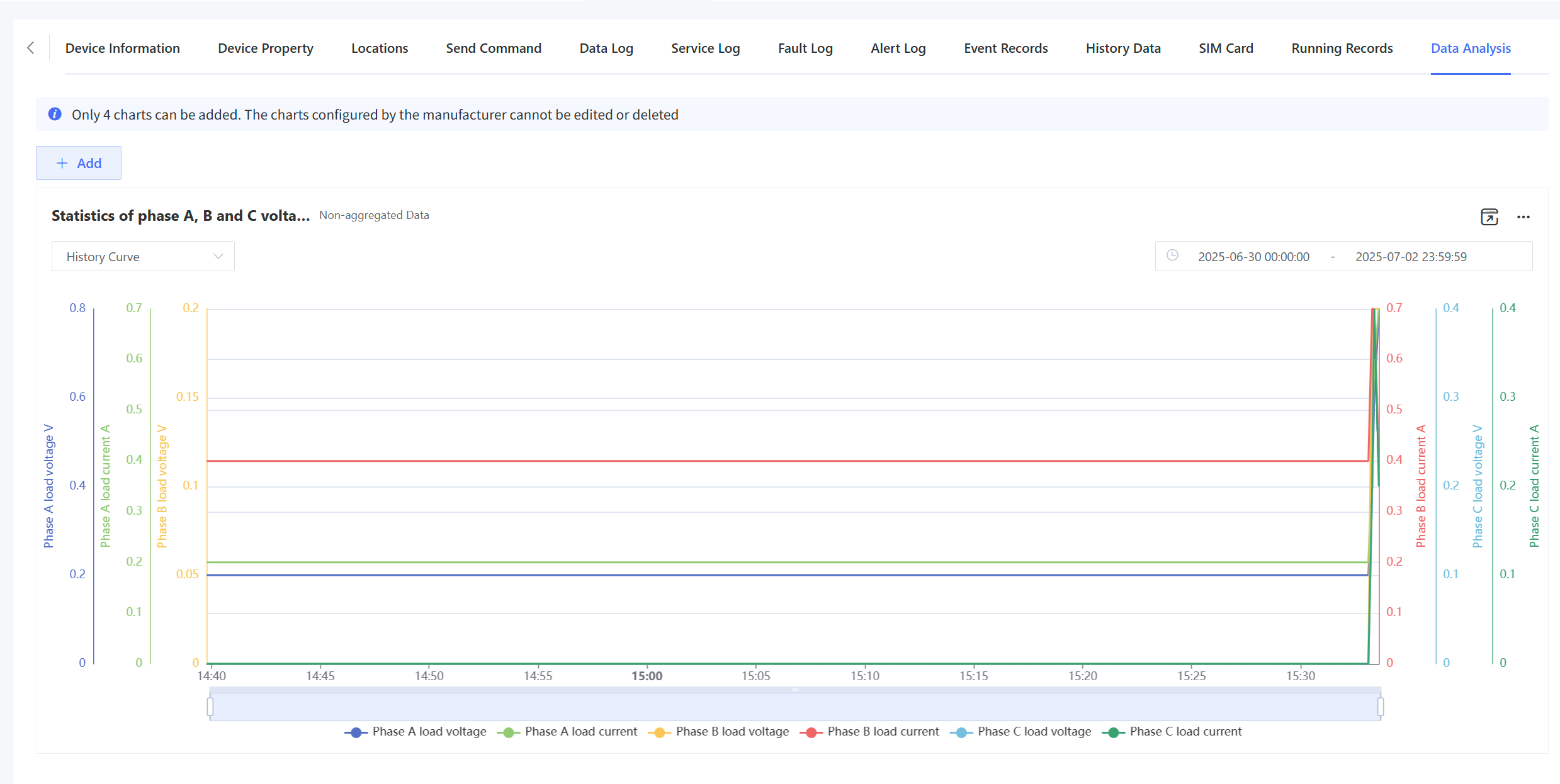
The historical curve is used to query historical data for a certain period and supports exporting statistical images, as shown in the following figure.