4.2. Import Device
AMP automatically displays the device information of those already connected to Developer Center in the device list.
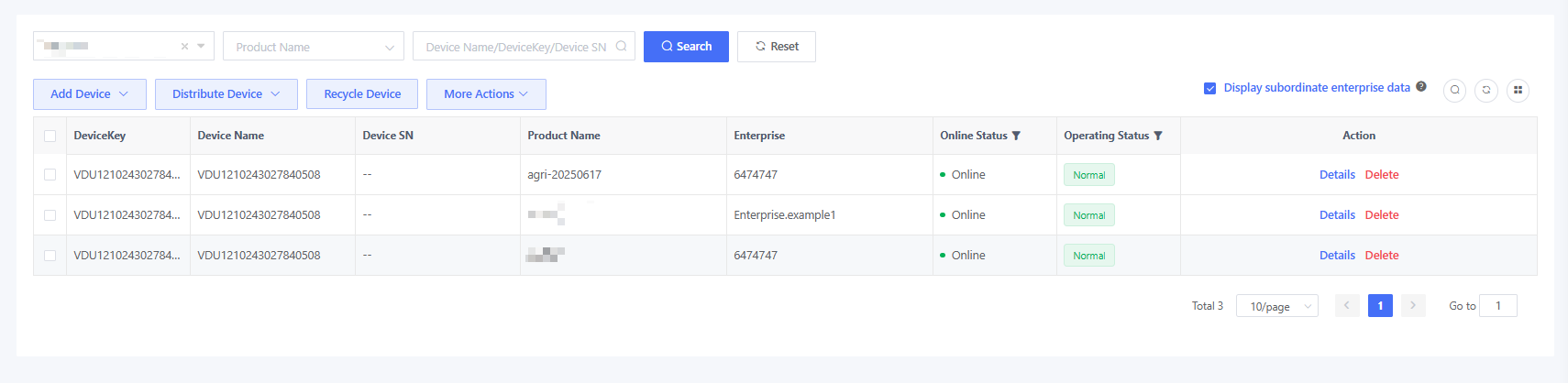
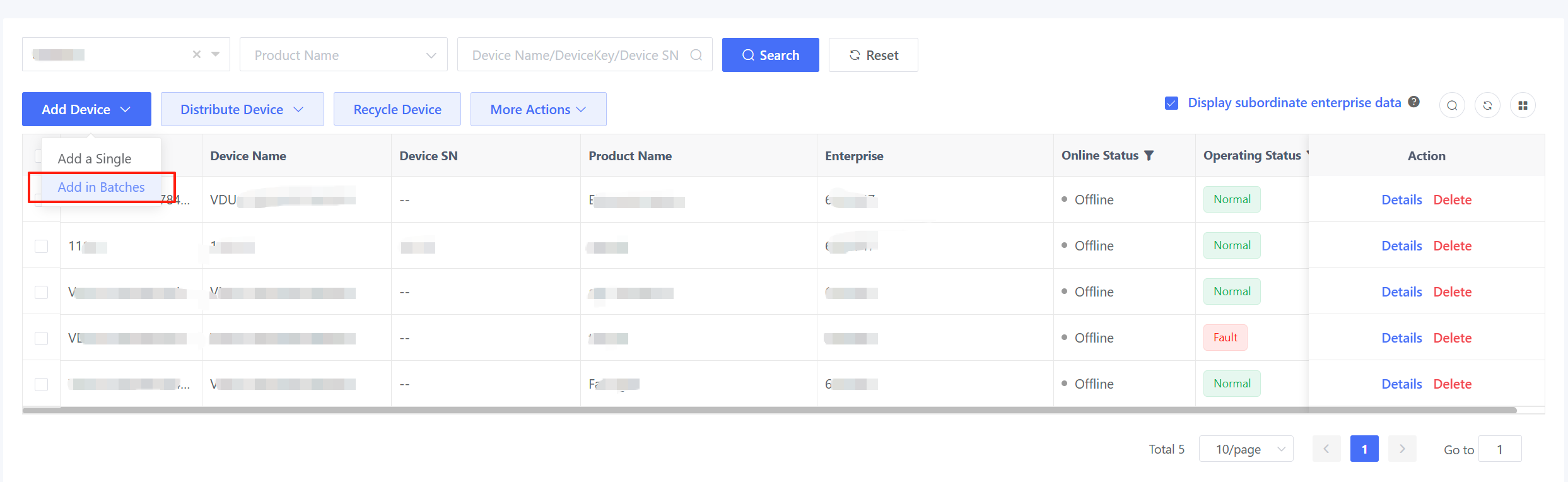
If you want to view a device in the device list before it comes online, pre-import the device through “Add a Device” or “Add in Batches”.
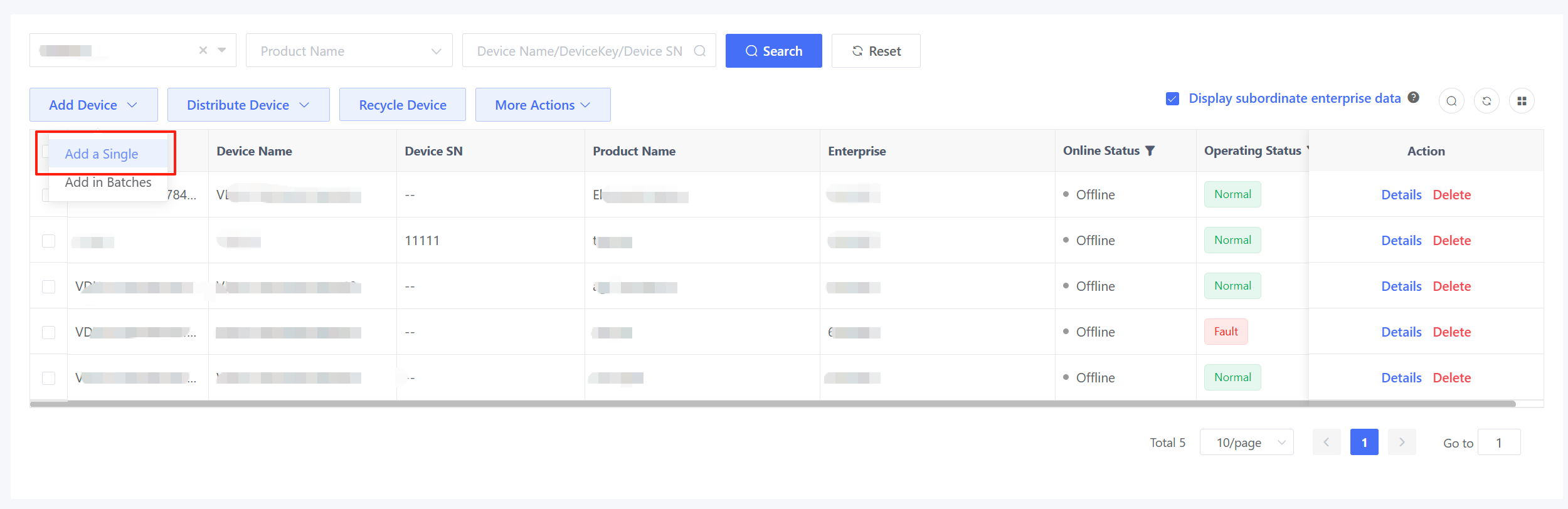
4.2.1. Add a Single Device
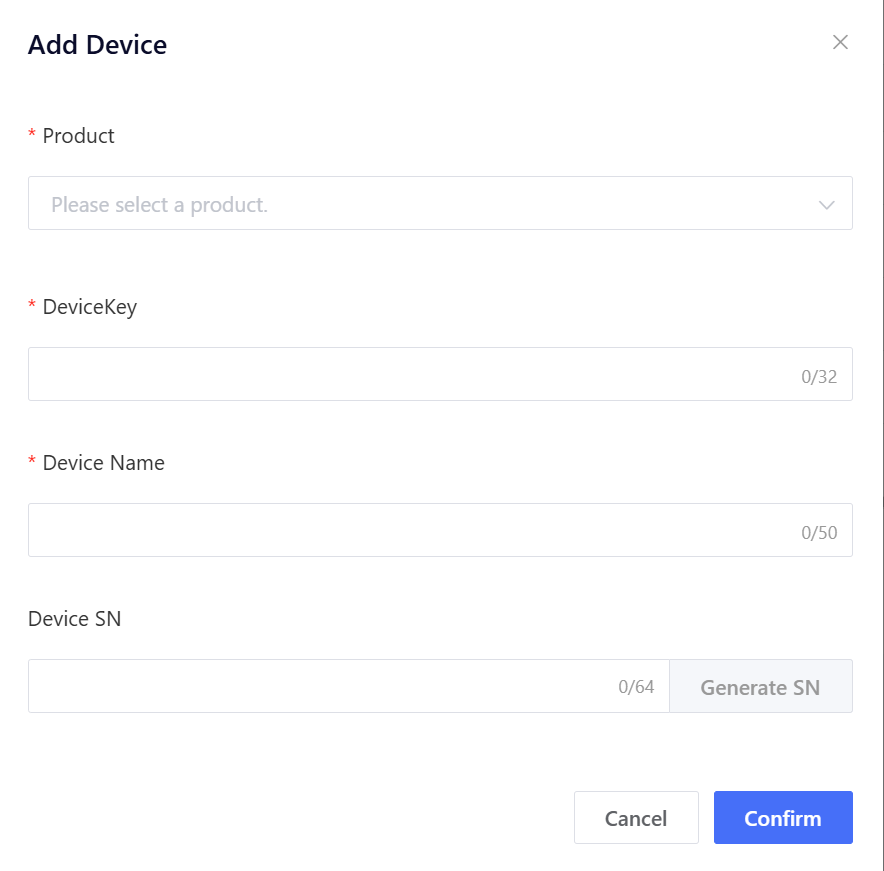
Click “Add a Device” to pop up the “Add Device” window, select a product, and enter DeviceKey and device name in the “Add Device” window.
4.2.2 Batch Import
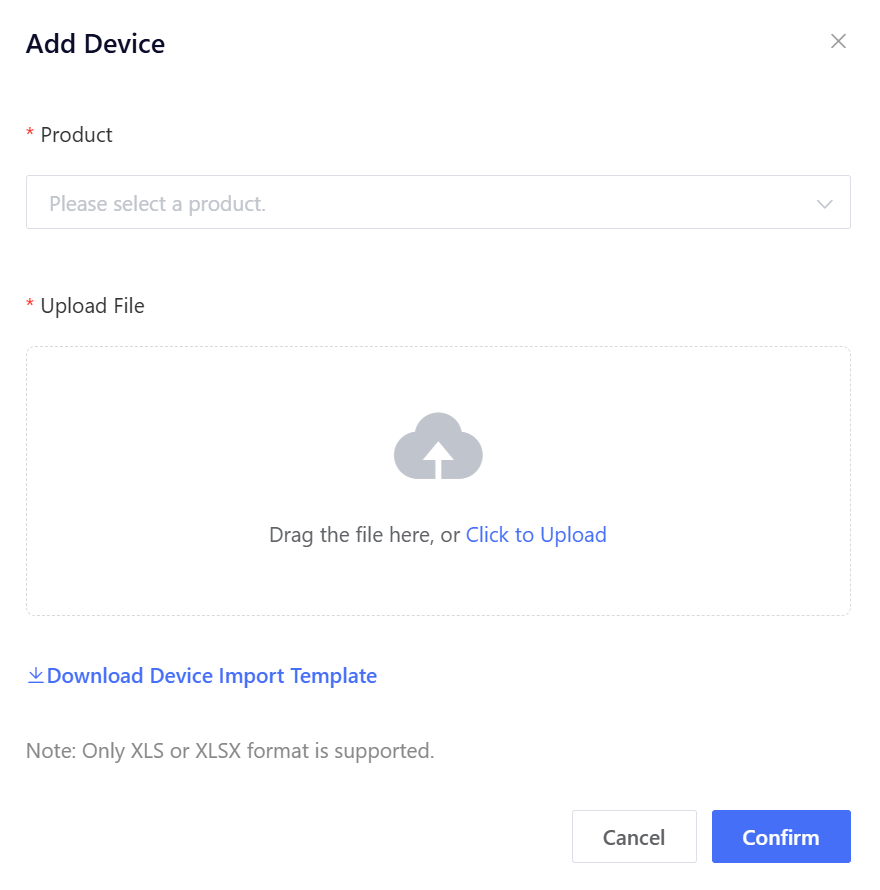
Click “Add in Batches” to pop up the “Add Device” window, select a product, download the device import template, input the device information as needed, and then upload the device import file.
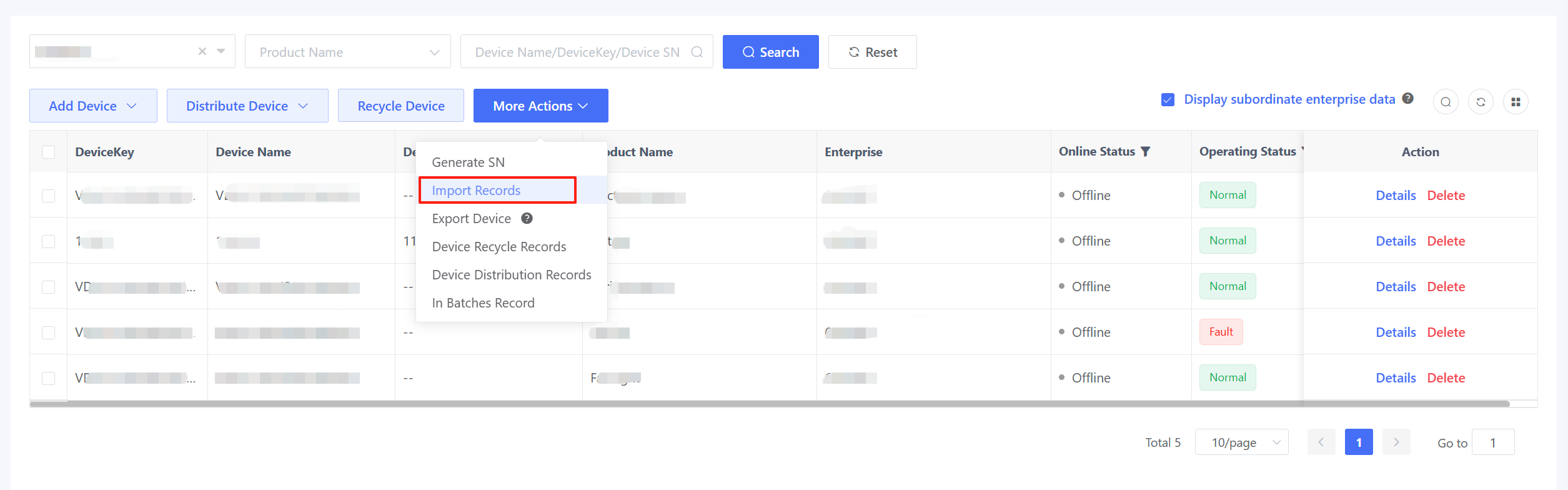
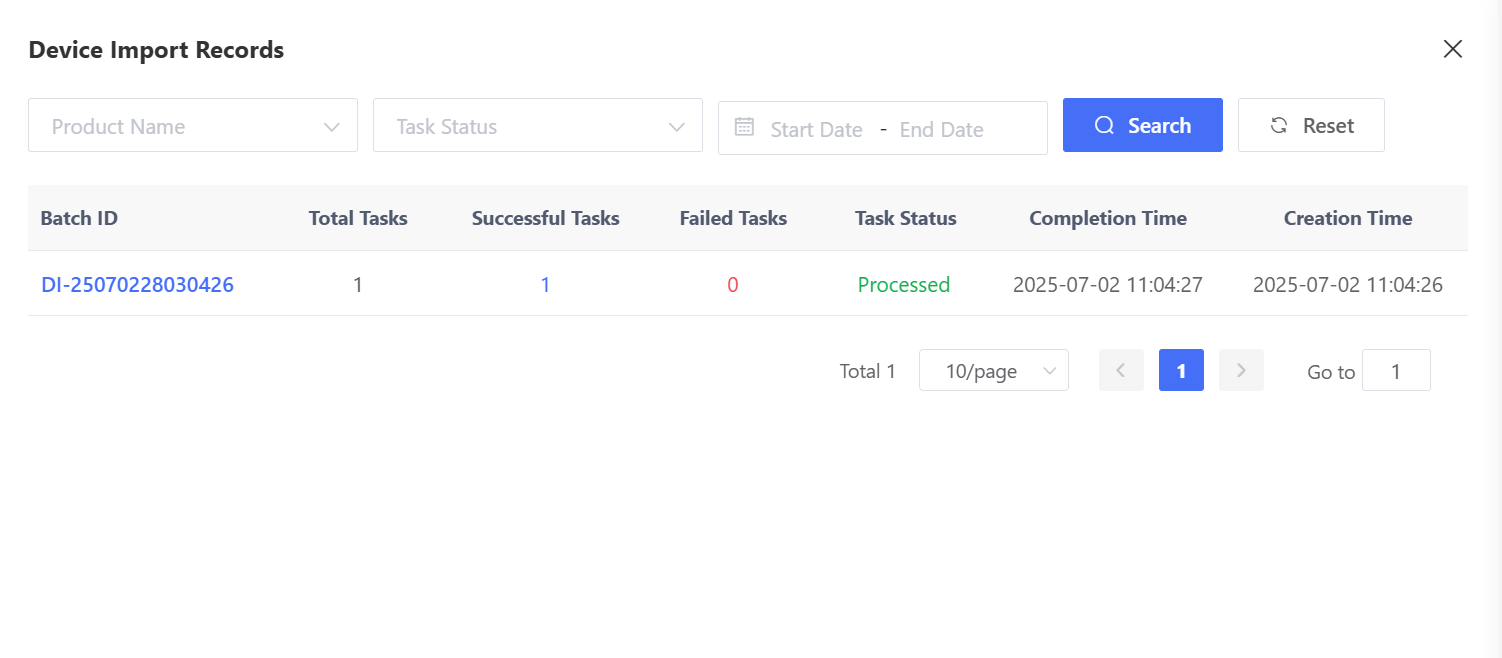
Device import is an asynchronous operation, so you can view the specific import results on the “Import Records” page.