7.2 Alert Handling
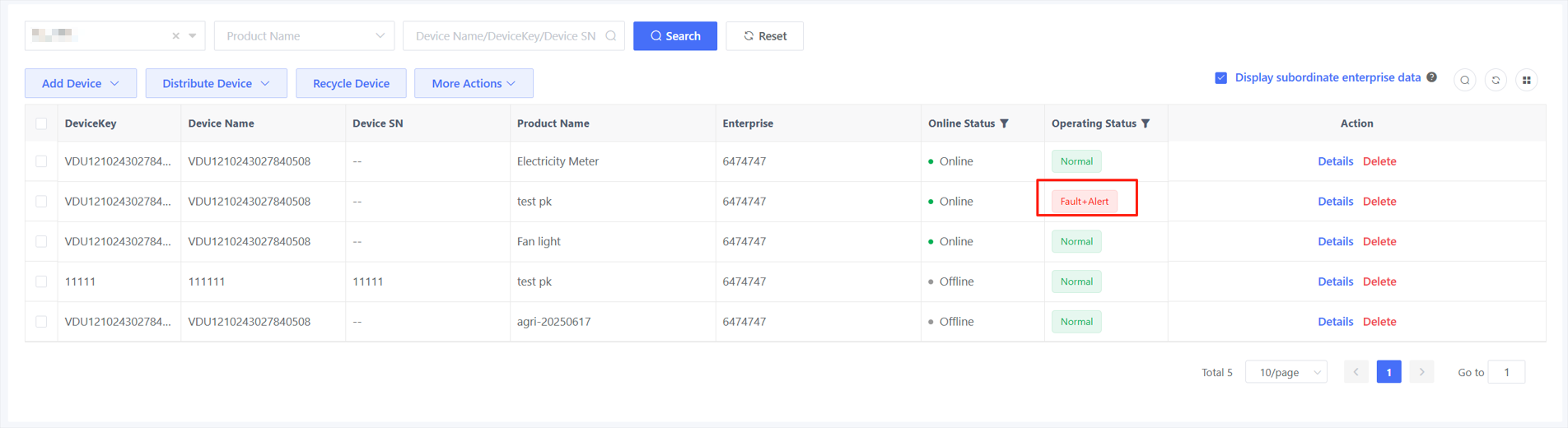
The device's operational status will be updated to "Fault" after reporting fault events, updated to "Alert" after reporting alert events, and updated to "Fault + Alert" when reporting both fault and alert events.
AMP provides two fault alert resolution methods after an alert occurs.
7.2.1 Automatic Resolution
For a device with self-recovery and detection mechanisms, after reporting a fault alert event, it detects a return to normal operation (through self-recovery or repair) and reports normal data to AMP scenarios. The AMP will automatically resolve the alert according to the reported parameters. The following is the event specification for using the automatic resolve feature:
When creating a fault alert event, you need to include the alert status in the output parameters. For example, when creating a Battery Overvoltage alert event, you can add a Battery Overvoltage alert property in the output parameters to indicate whether the voltage is normal.
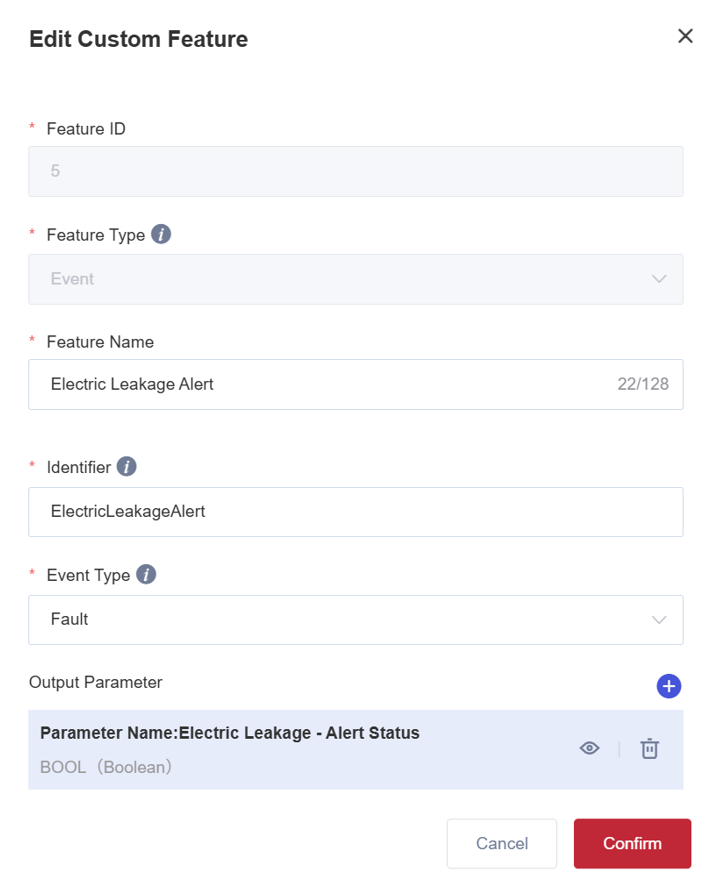
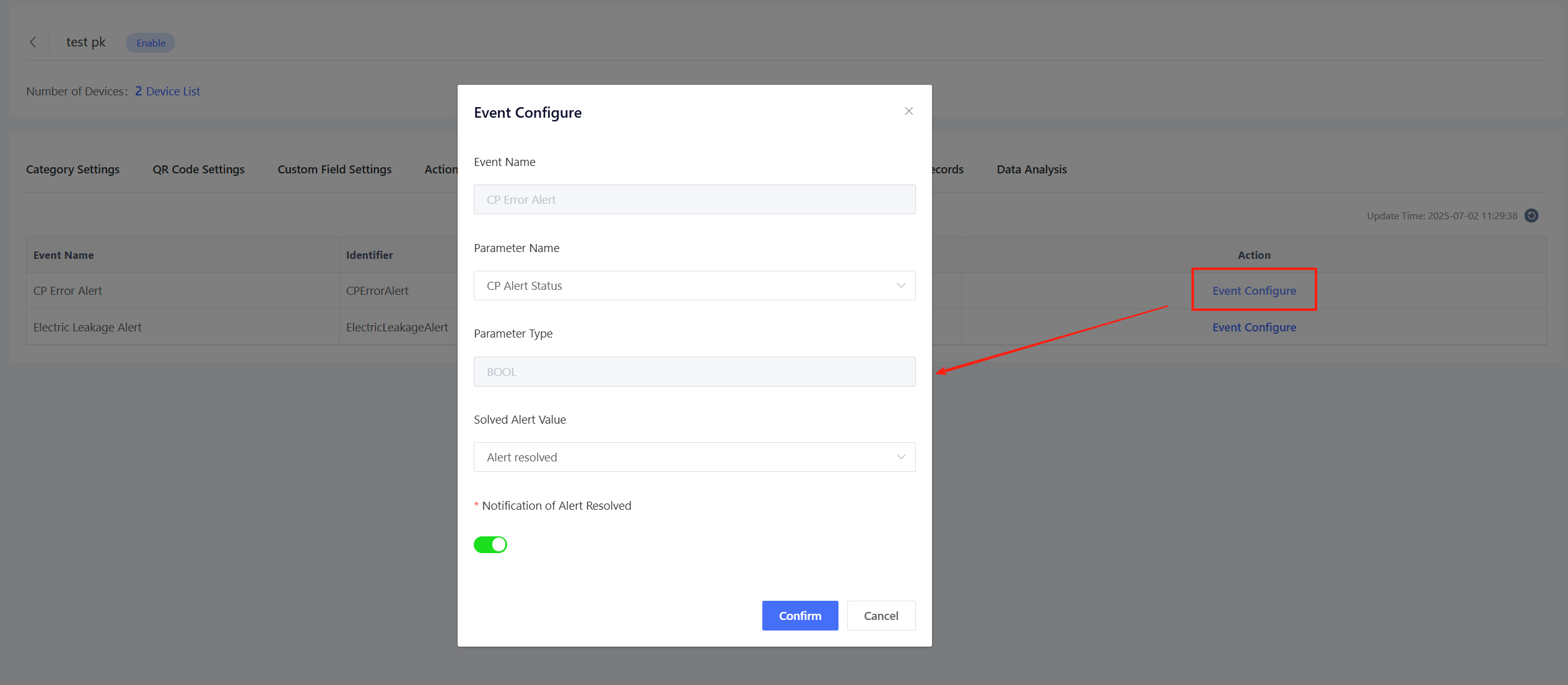
In the "Product" > "Event Definition" module, click "Configure Event" to configure the alert resolution parameters as shown in the figure below. When the device reports an alert event and the battery overvoltage alert parameter is normal, AMP will automatically resolve the event alert.
After the configuration is completed, if the device triggers an alert event and the battery overvoltage alert parameter is abnormal, you can click "View" to view the corresponding alert records on the AMP, as shown below.
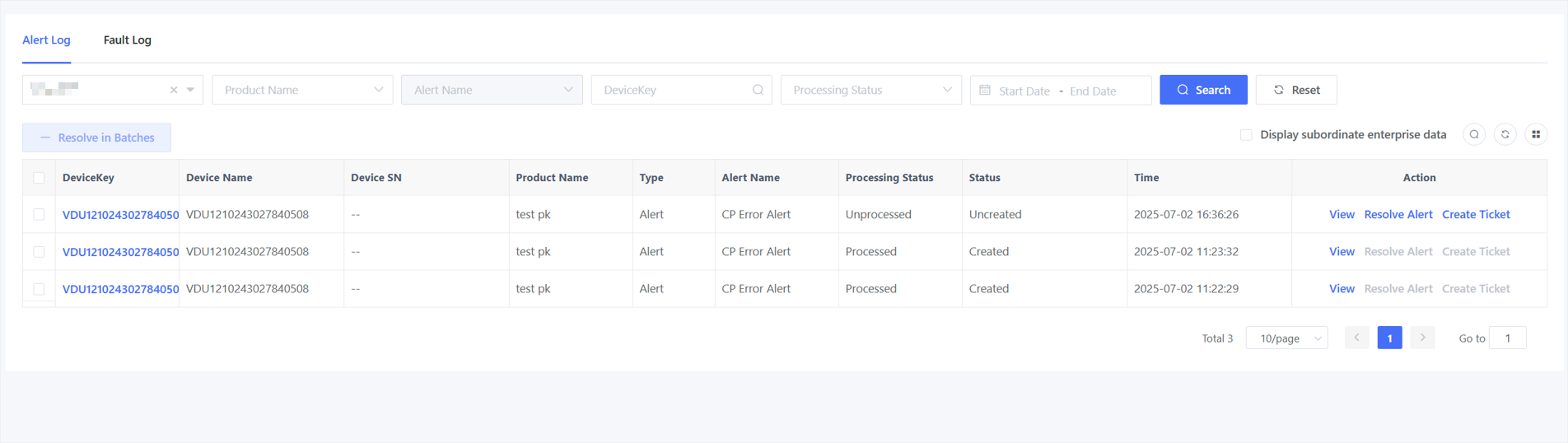
After the configuration is completed, if the device triggers an alert event and the battery overvoltage alert parameter is abnormal, you can click "View" to view the corresponding alert records on the AMP, as shown below.
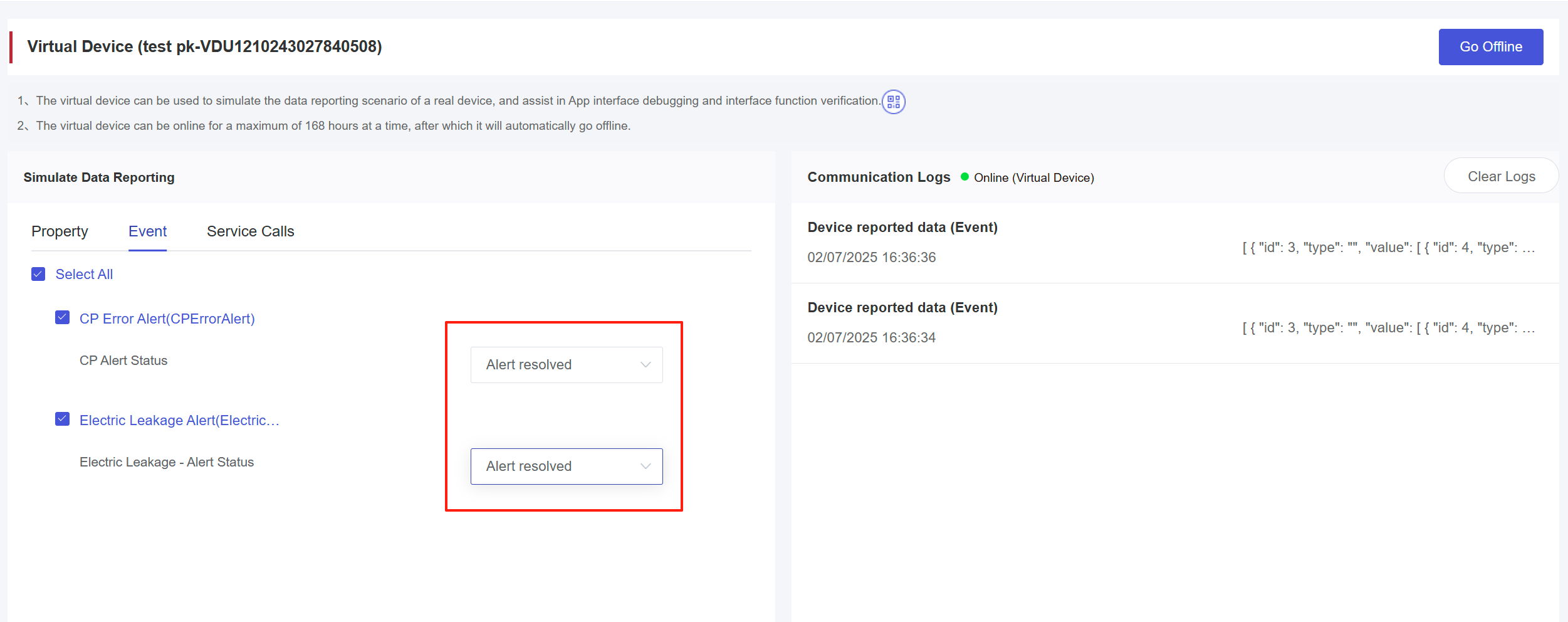
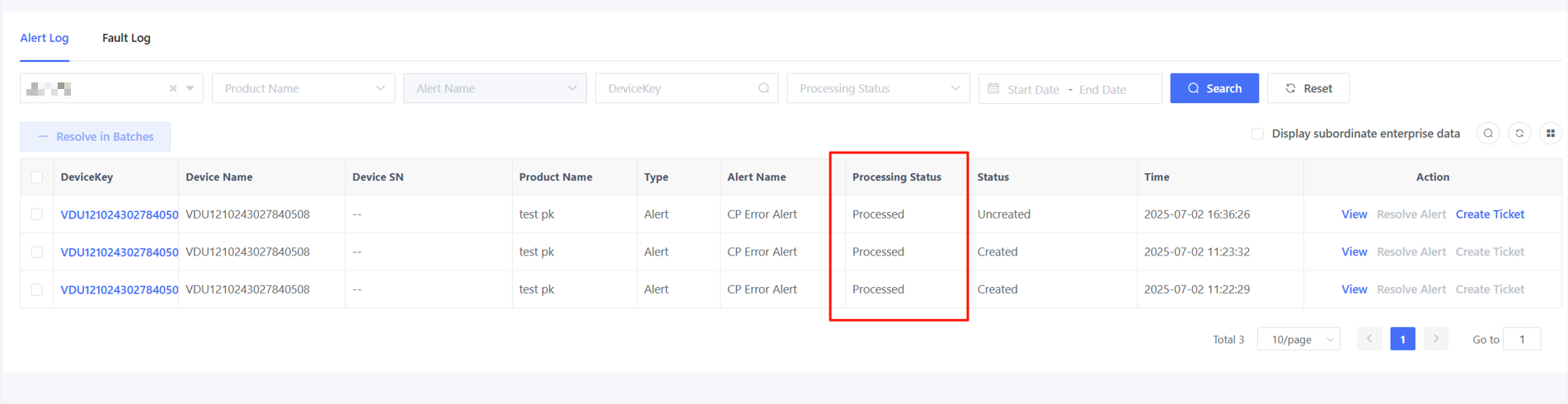
7.2.2 Manual Resolution
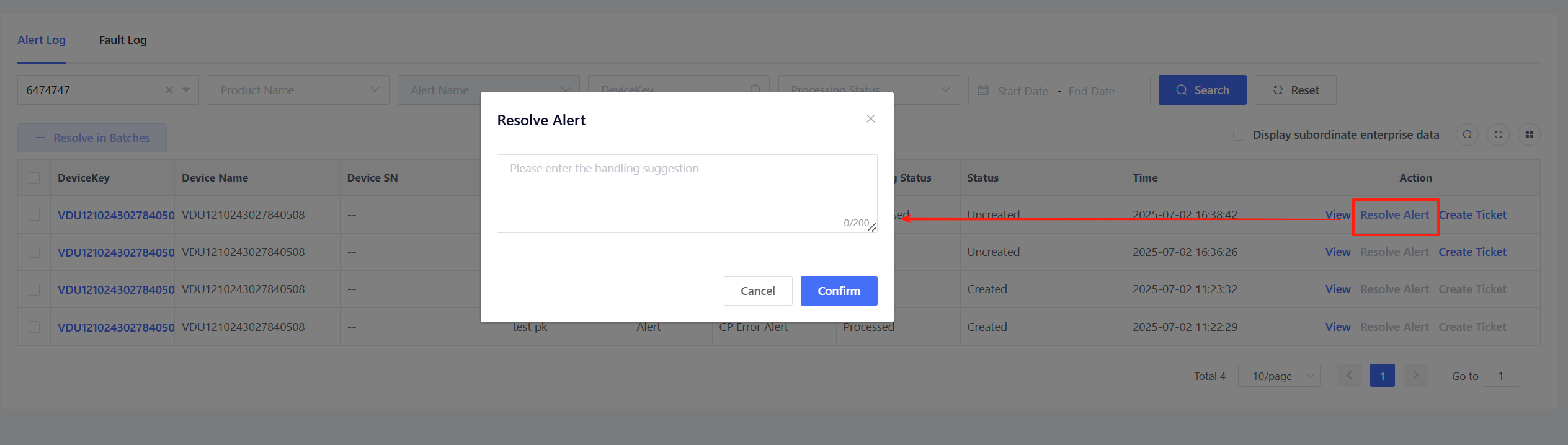
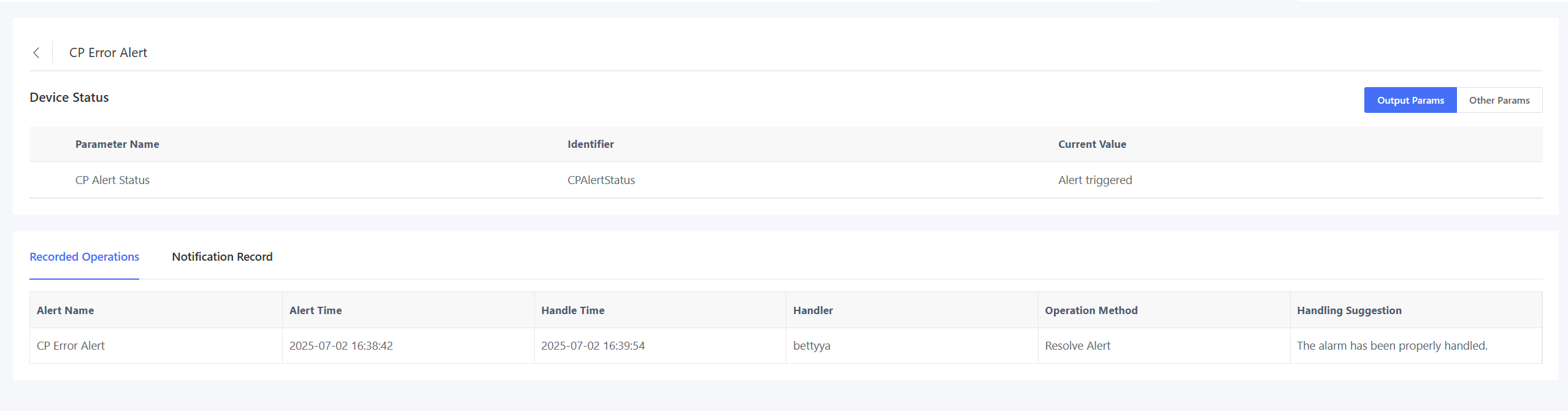
AMP provides a manual alert resolution entry. After the device has been repaired offline and restored to normal operation, O&M personnel can click "Resolve Alert" in the "Fault Log" and "Alert Log" and then the alert will be resolved after submitting the handling results.
7.2.3 Ticket Transfer
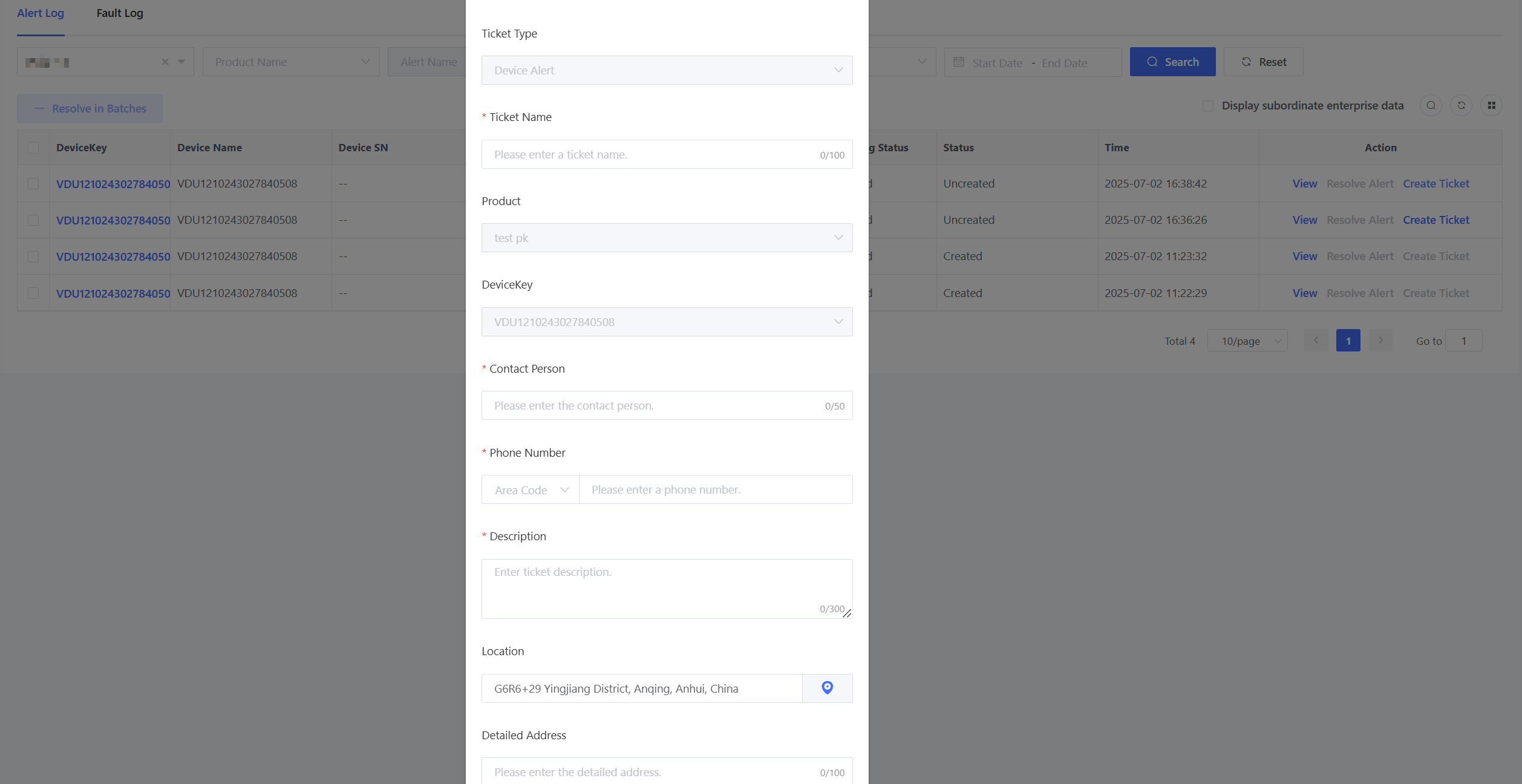
When a device generates a fault alert, AMP provides a ticket transfer entry, allowing you to transfer the fault alert into a maintenance ticket and assign it to O&M personnel for handling.
In the "Fault Log" and "Alert Log" lists, click "Transfer Ticket" and the ticket transfer pop-up window will be displayed.
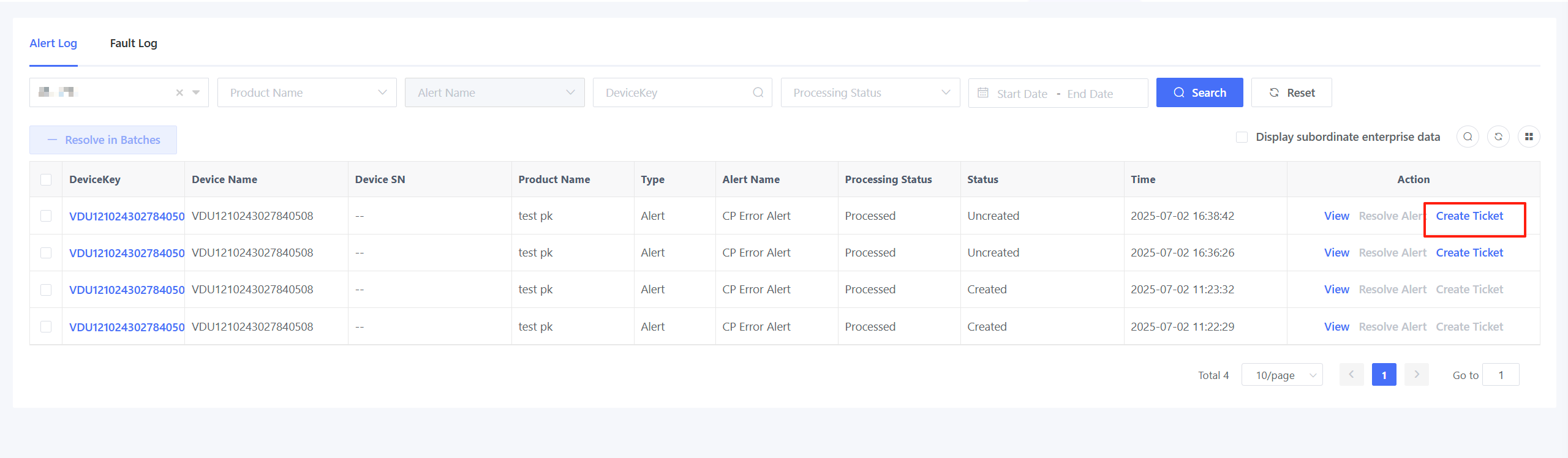
The ticket transfer information required includes:
Ticket Name: Identifies the purpose of the ticket (e.g., "XX device maintenance ticket"). Contact Person & Phone Number: Contact person filing in the execution ticket, typically the device user information. Ticket Description: Describes the tasks to be completed in the ticket. Location & Address: Optional, fill in where the device is located. Appointment Time: The time scheduled in the ticket for on-site service. Photo Upload: Uploads photos related to the device fault or alert.
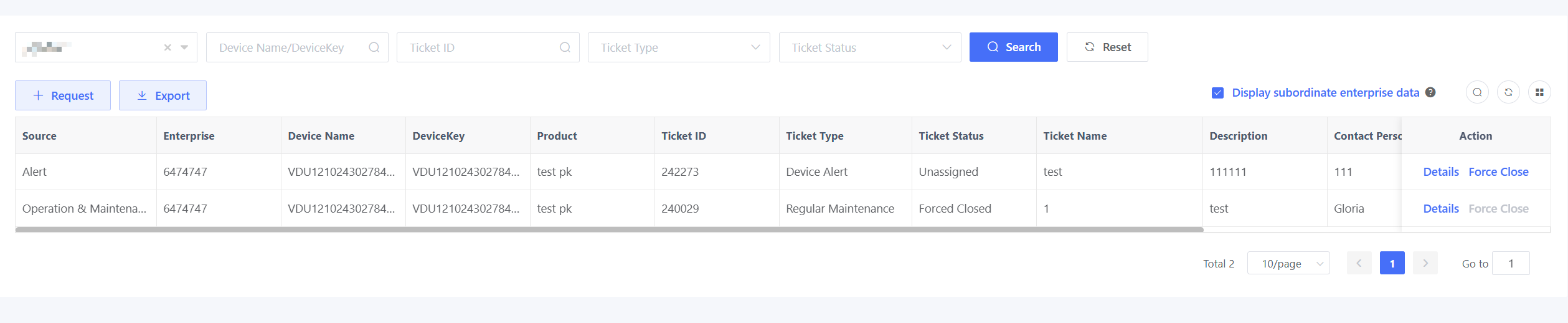
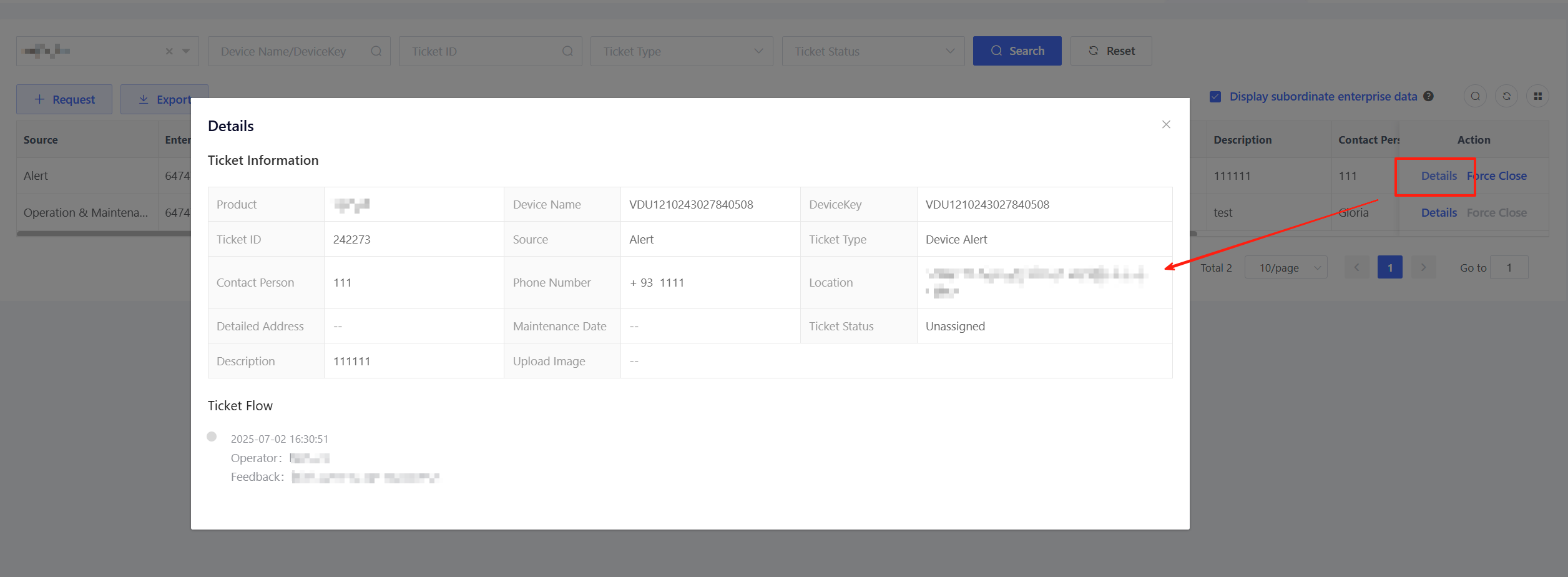
After confirmation, a new ticket record will be generated in the "Operation & Maintenance" > "Ticket" module. Click "Details" to view specific ticket information.