
6. Device Operation
6.1 Device Data
You can view uplink and downlink data for devices on the “Device Details” page.
6.1.1 Device Information
View device operational status, basic information, and product details.
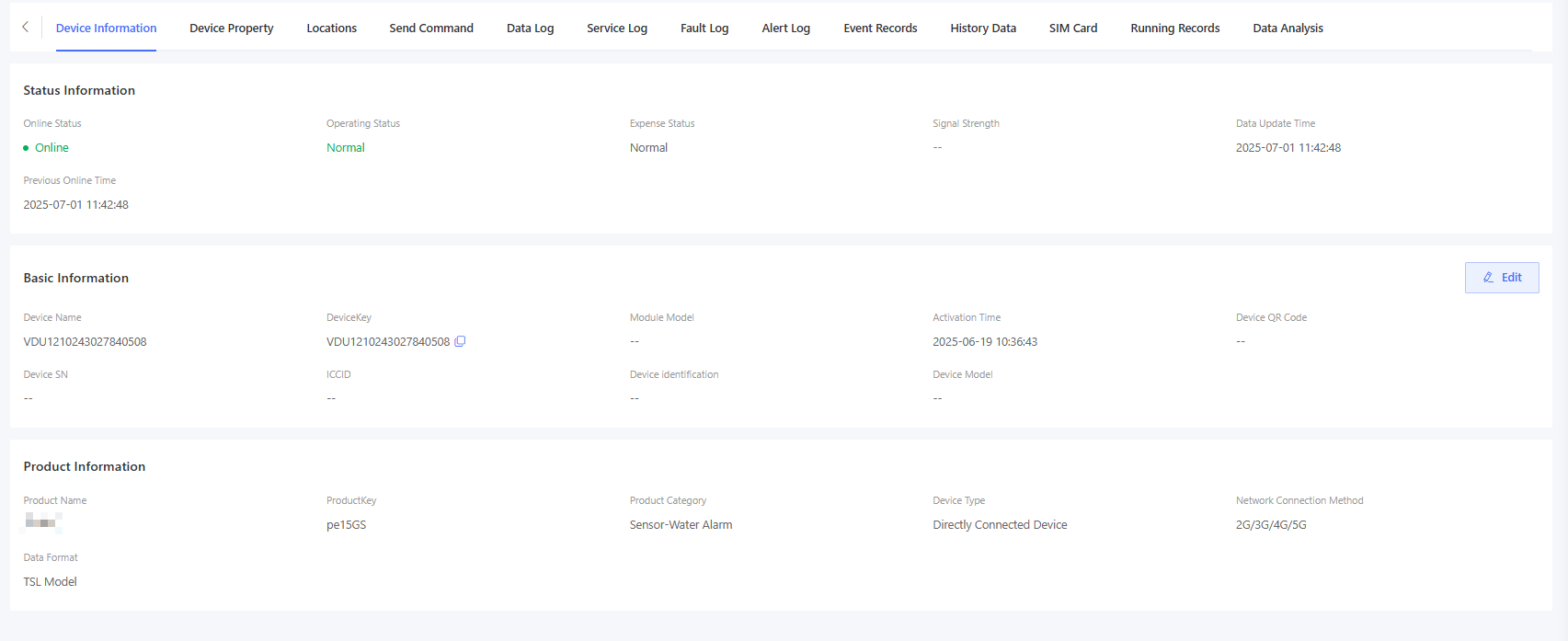
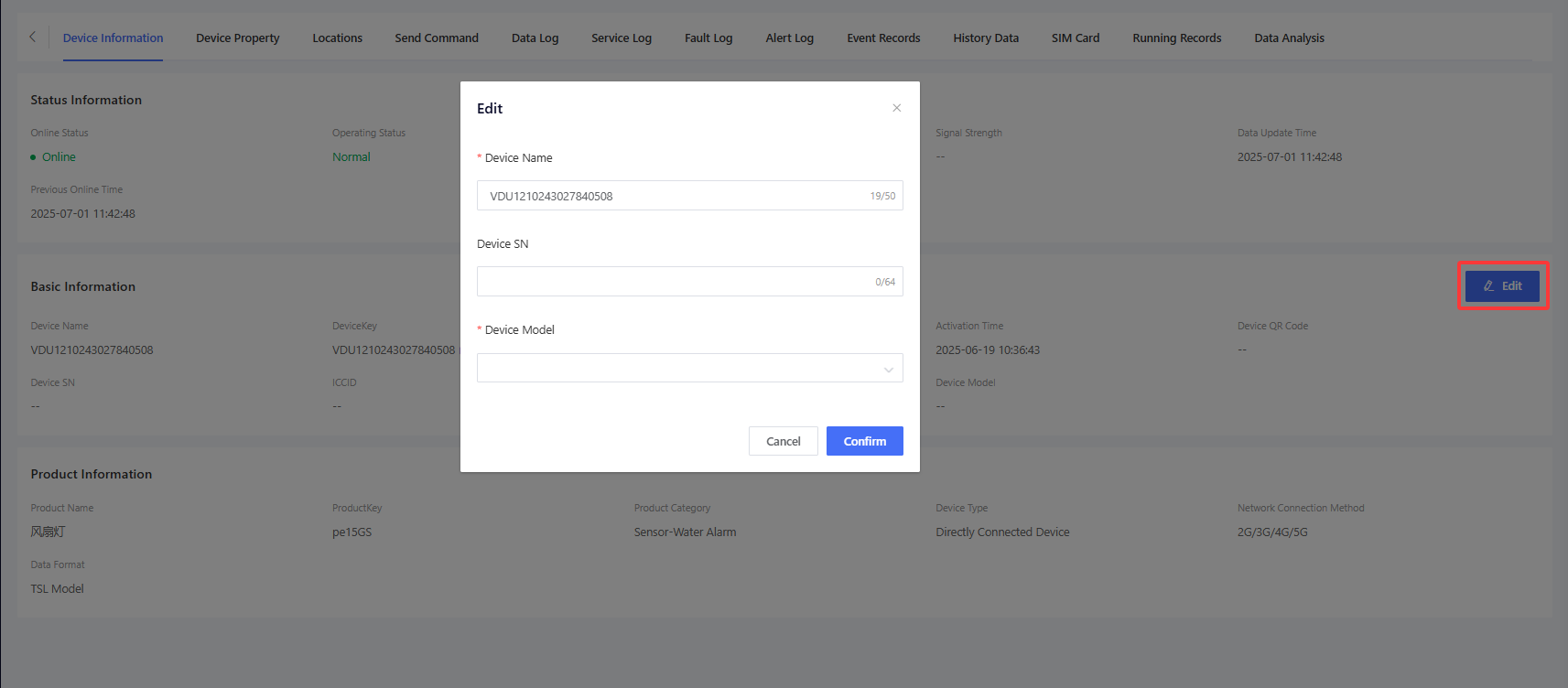
Manufacturers can edit device names and device SN, but subordinates cannot edit any information.
6.1.2 Device Property
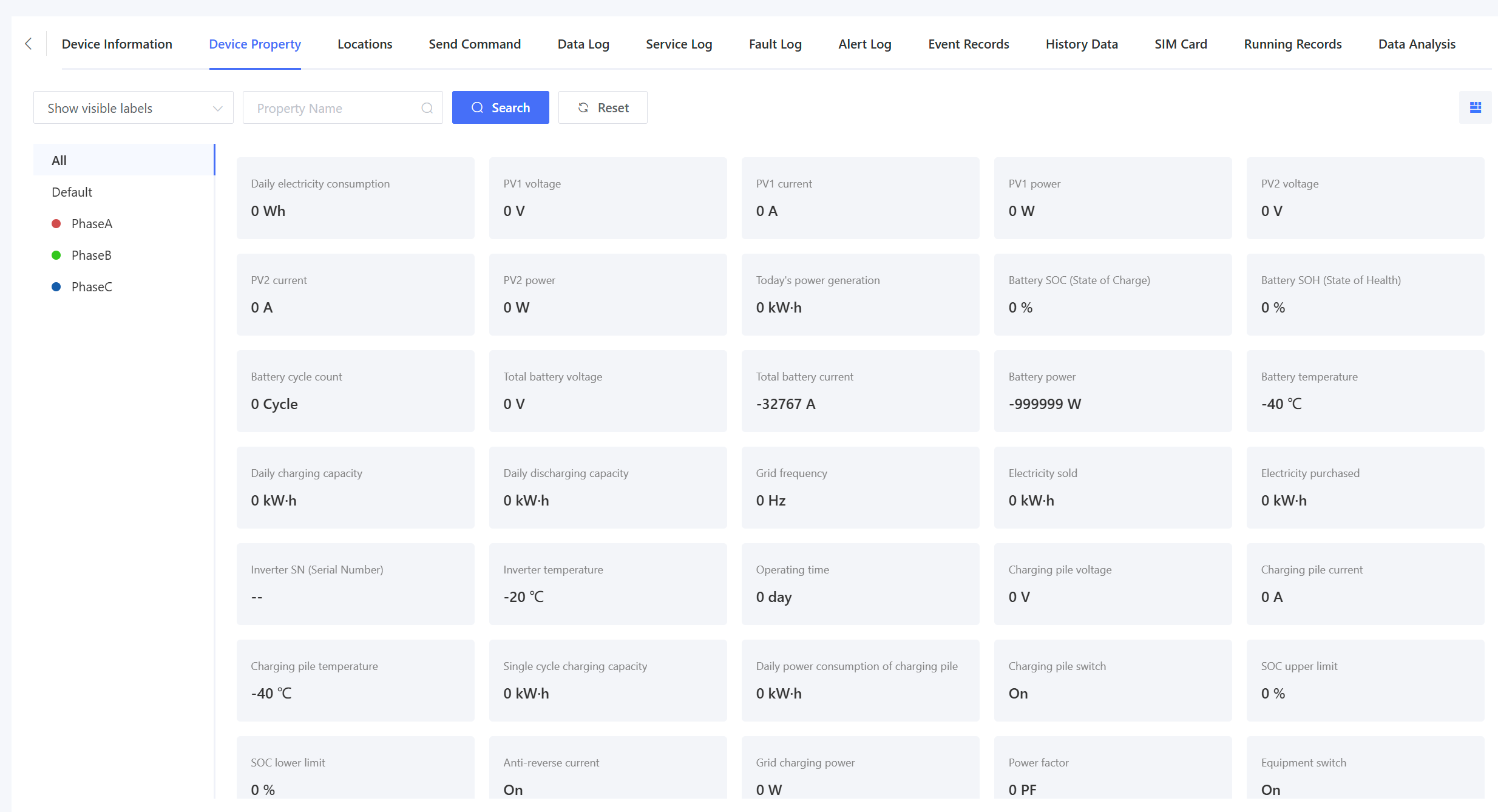
Display the latest TSL property data reported by the device. The data is categorized by labels. For configuration details, please refer to Product Settings - Property.
6.1.3 Locations
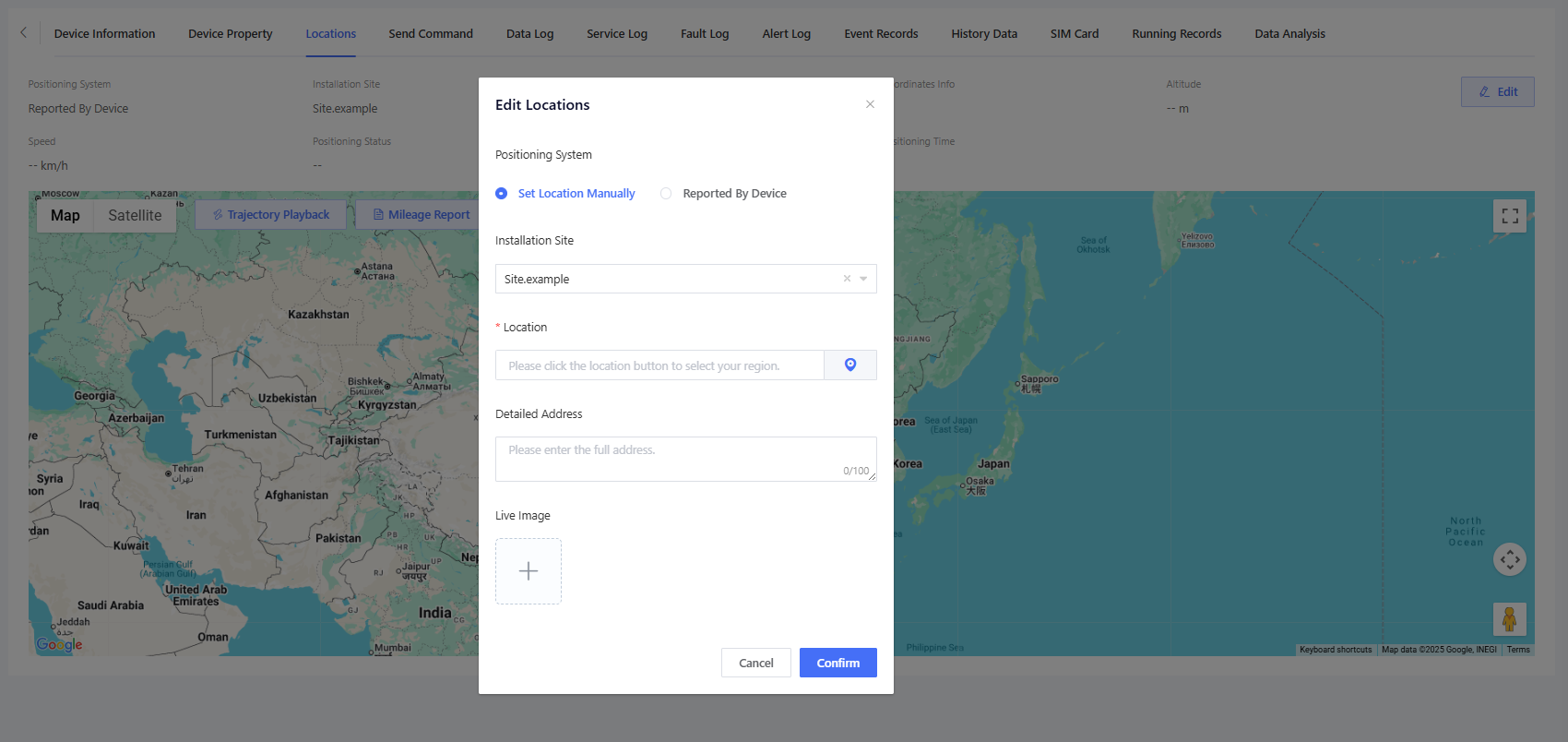
Display the location information reported by the device. For non-mobile devices without positioning capabilities, you can click “Edit” - “Set Location Manually” to manually mark the device's location.
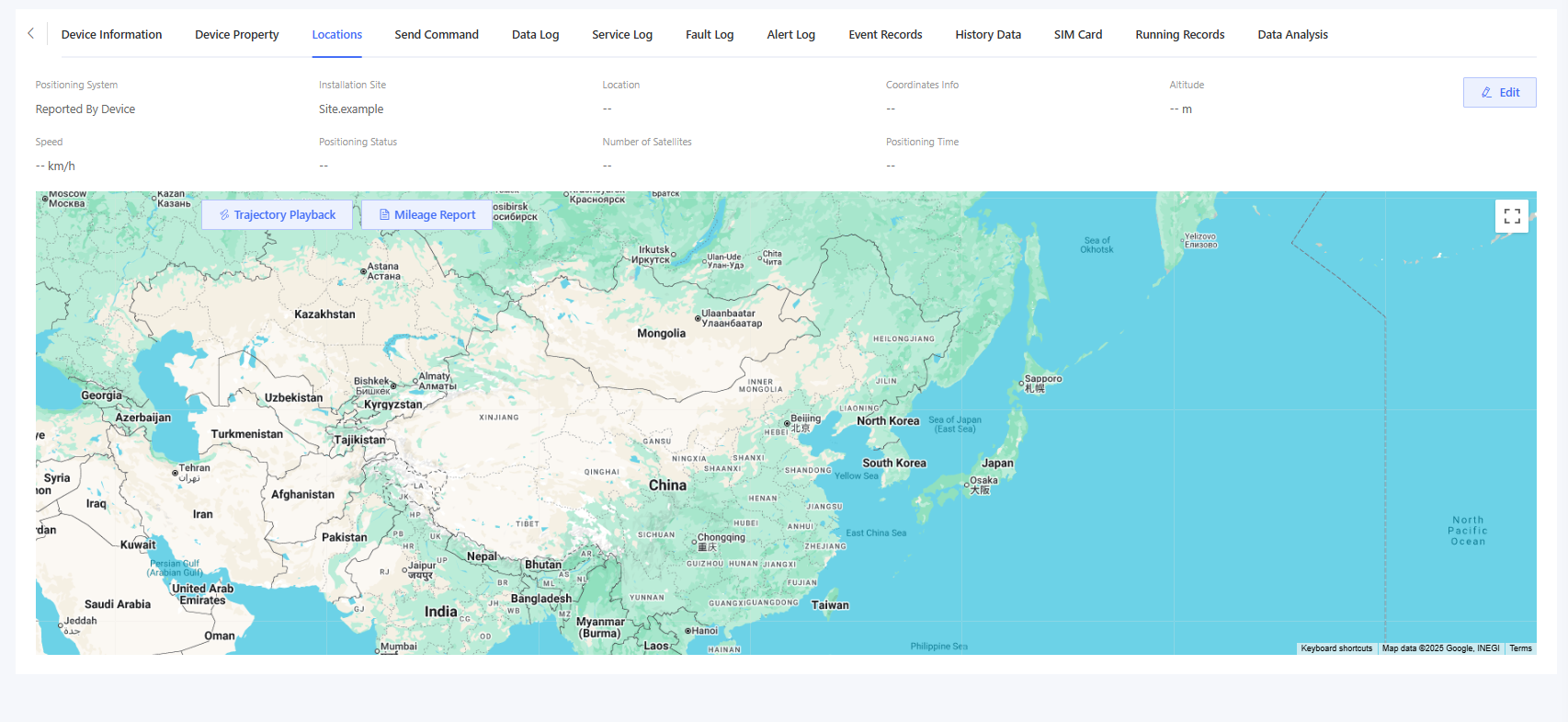
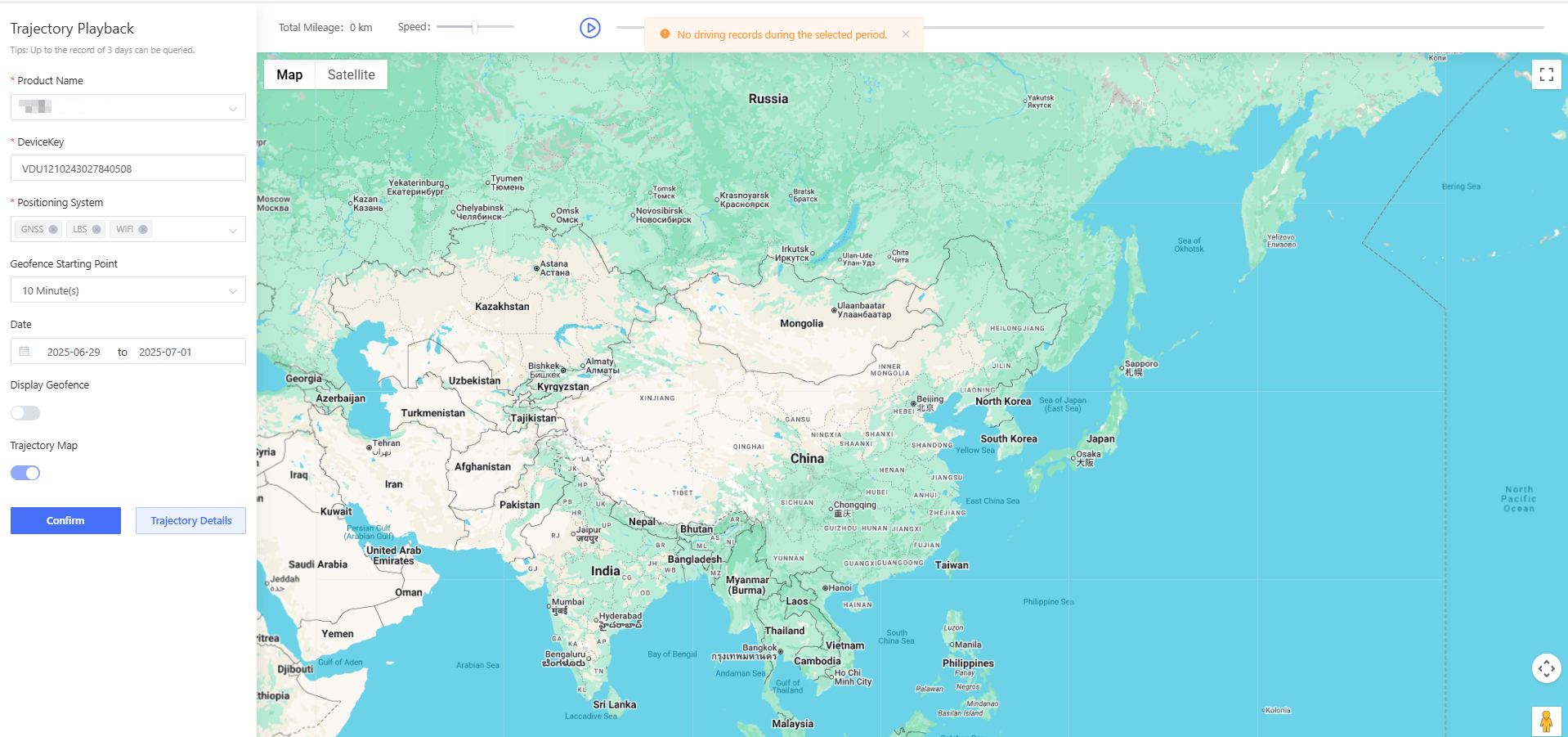
Click “Trajectory Playback” to view the device's historical movement route. Click “Mileage Report” to view the device’s travel distance logs.
6.1.4 Send Command
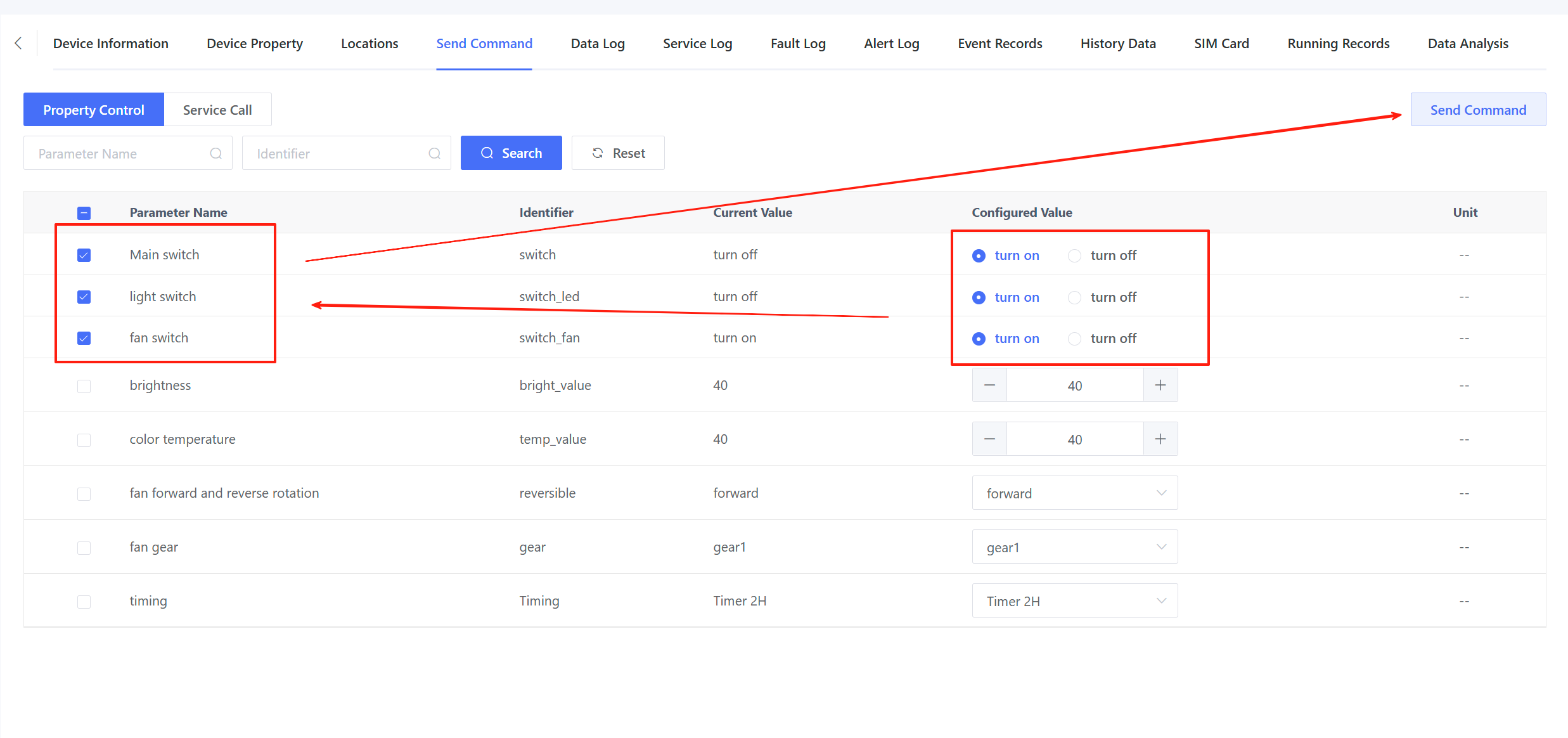
List writable TSL properties. Set the desired parameter values, check the corresponding parameters, and click “Send Command” to send commands to the device for remote control.
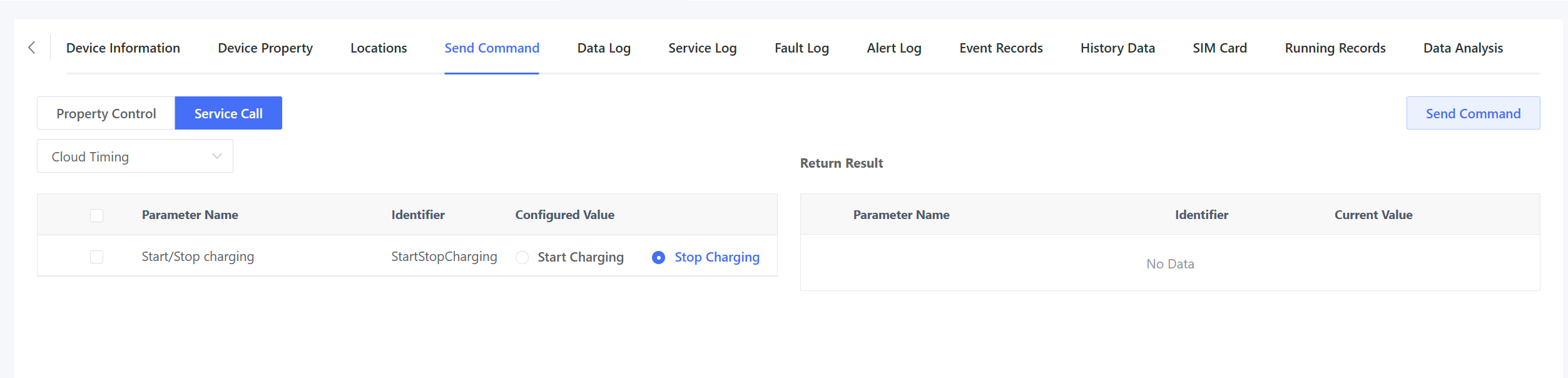
Command sending supports both property control and service calls. Service call allows sending commands and displaying the return values from the device.
6.1.5 Data Log
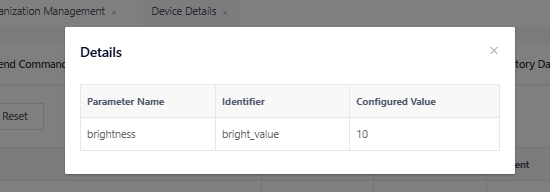
Go to “Device Details” > “Data Log” page to view records of property controls sent from the platform. Click “View” to check the specific parameter in each command.

6.1.6 Service Log
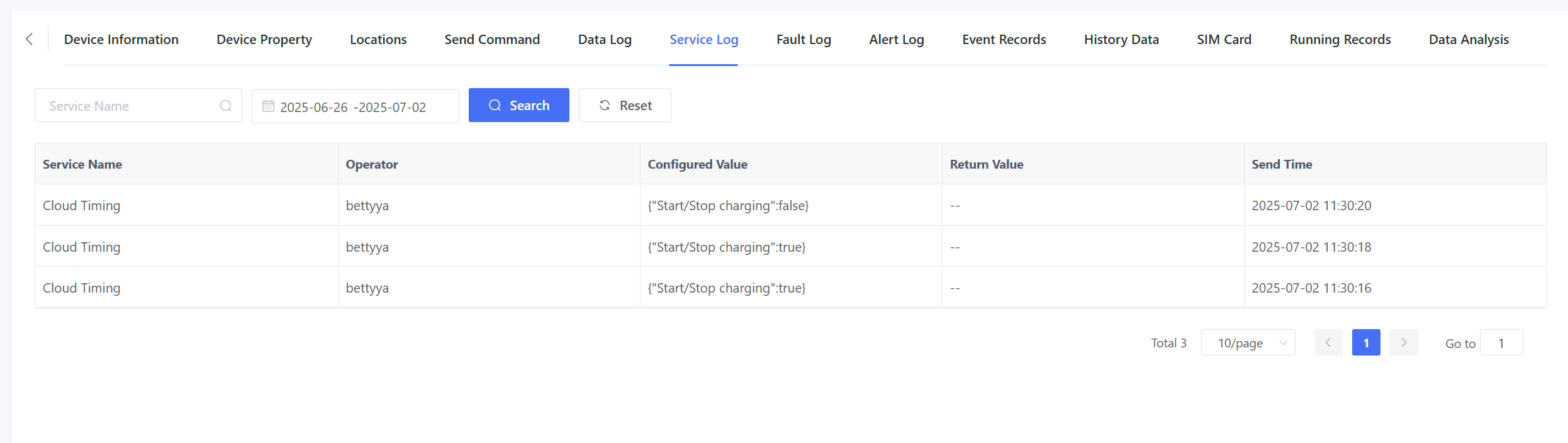
Record all service call operations issued on the “Send Command” page.
6.1.7 Fault Log & Alert log
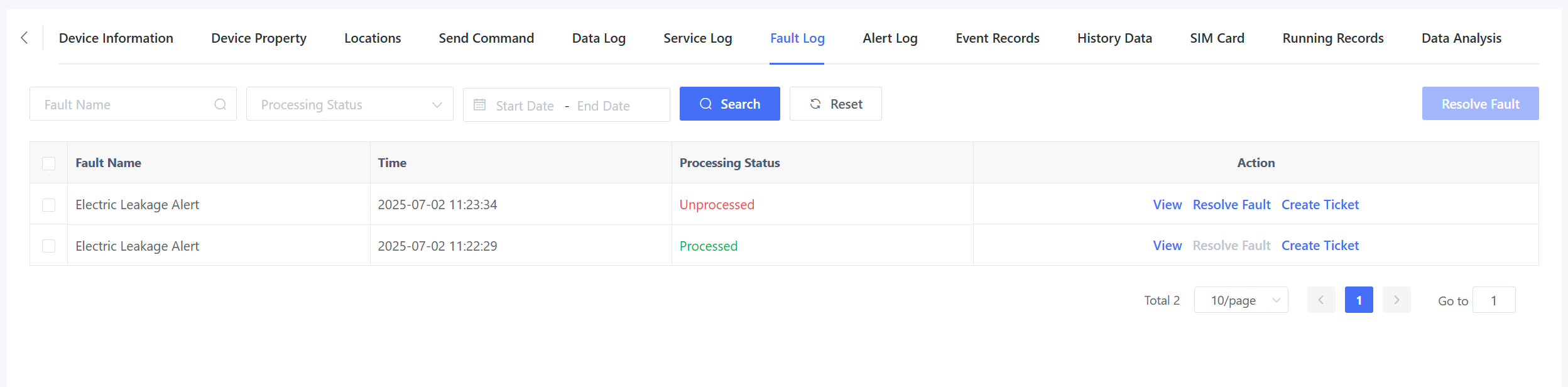
Display alert and fault event logs reported by the device.
6.1.8 Event Records
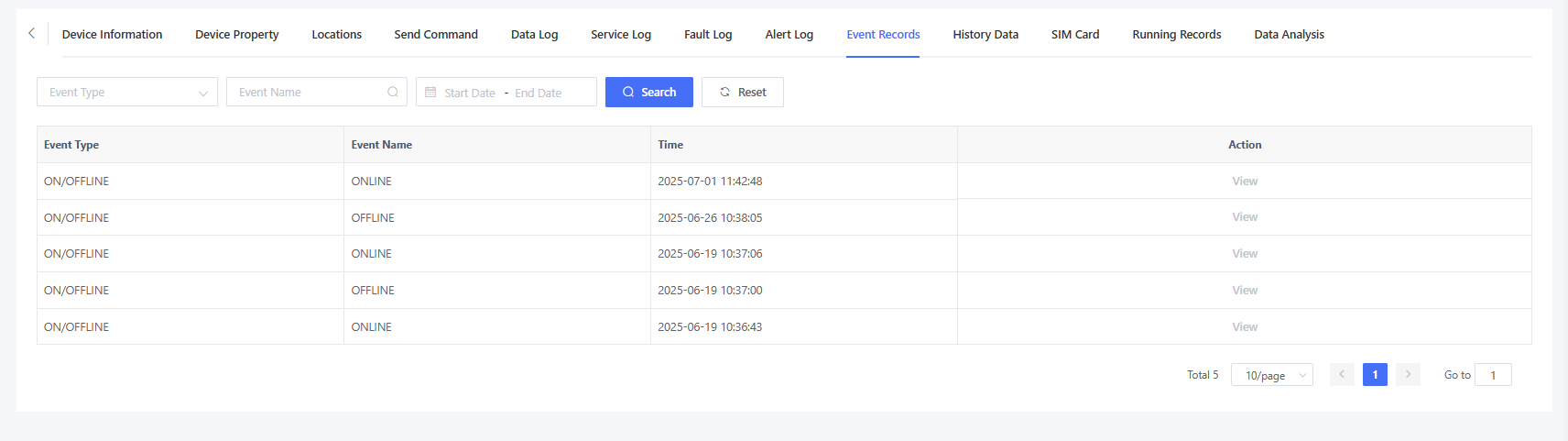
Display online/offline events and informational events of the device. Log files can be downloaded.
6.1.9 History Data
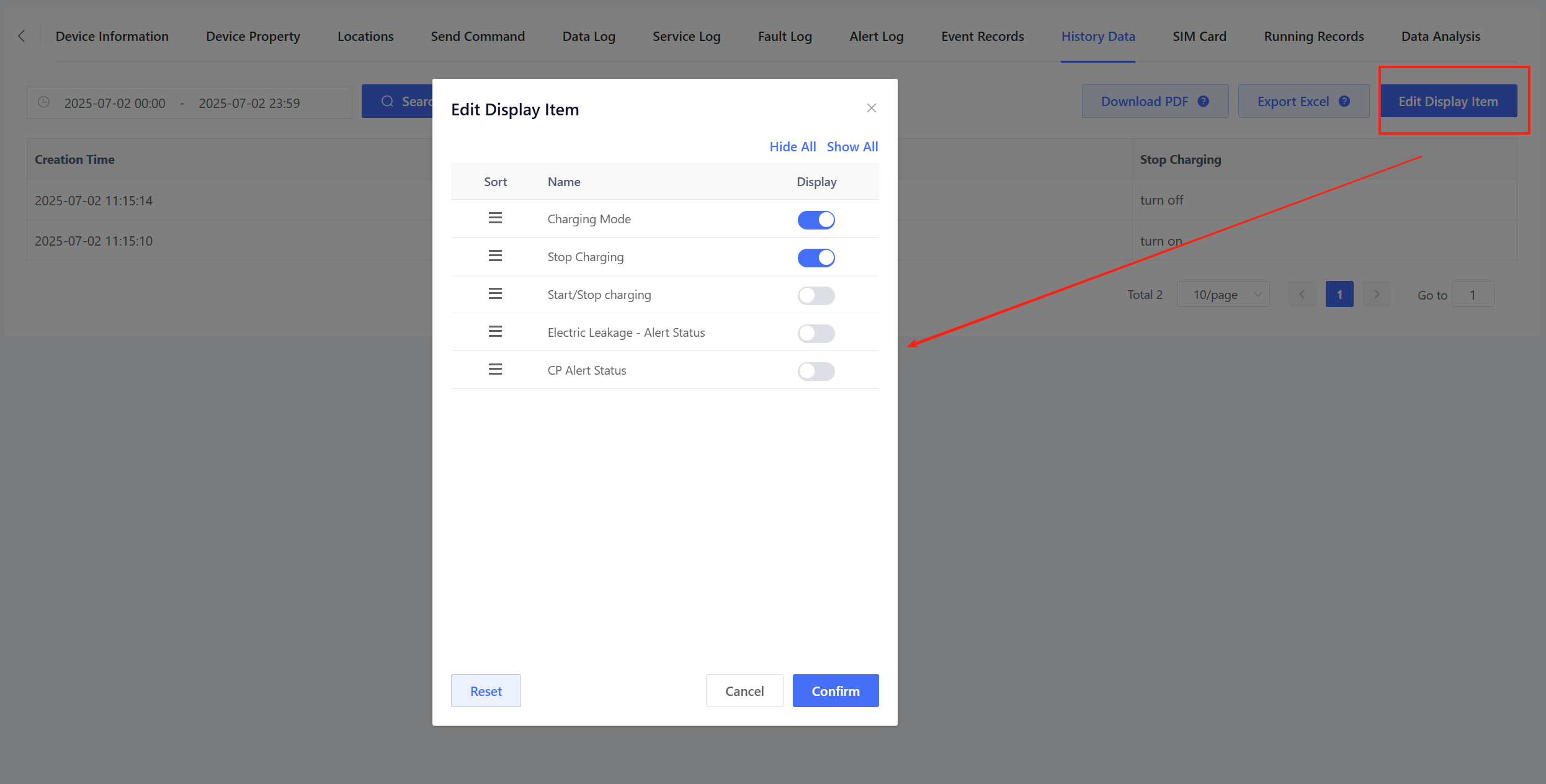
Since different products may have different numbers of TSL model features and display requirements, you can select which models to display. Click “Edit Display Item”, select the desired TSL model features, and save the settings. Only the selected features will be displayed in the history data lis
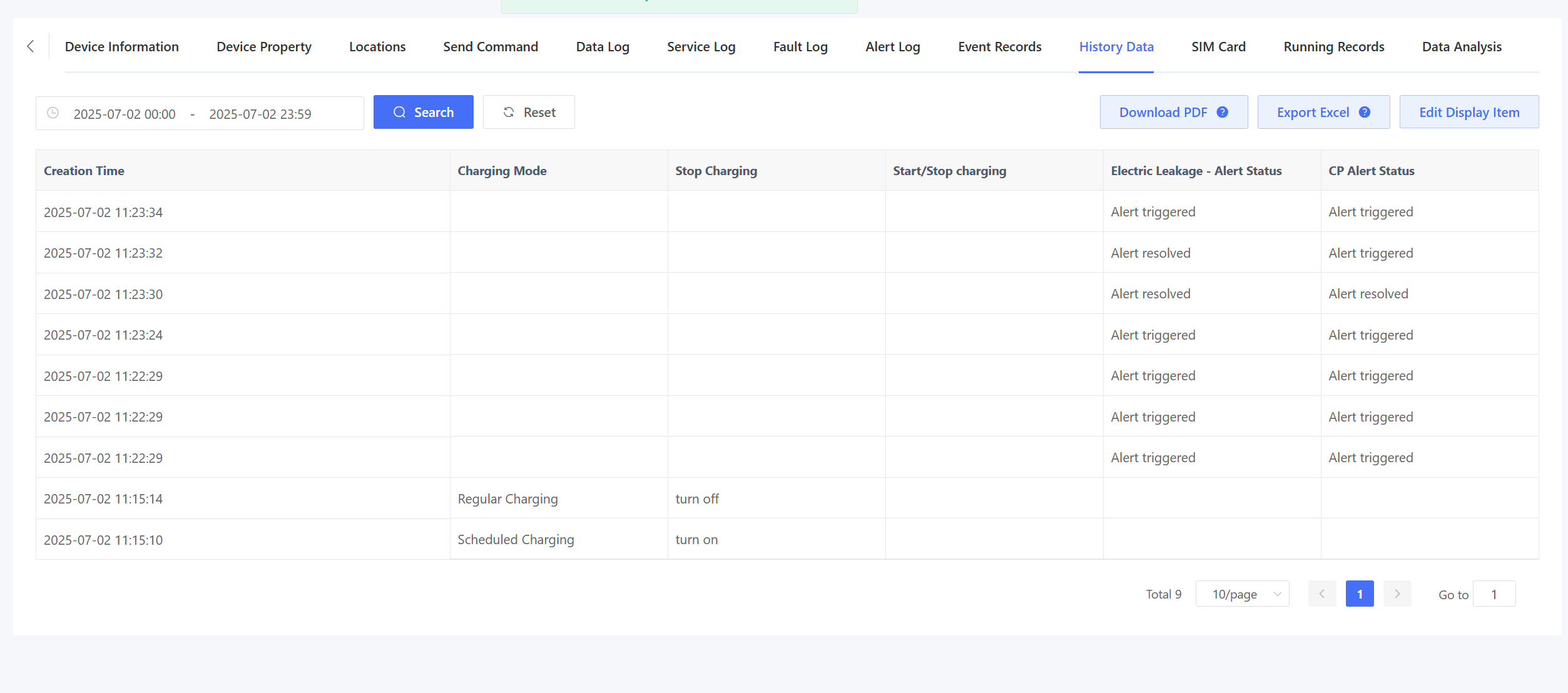
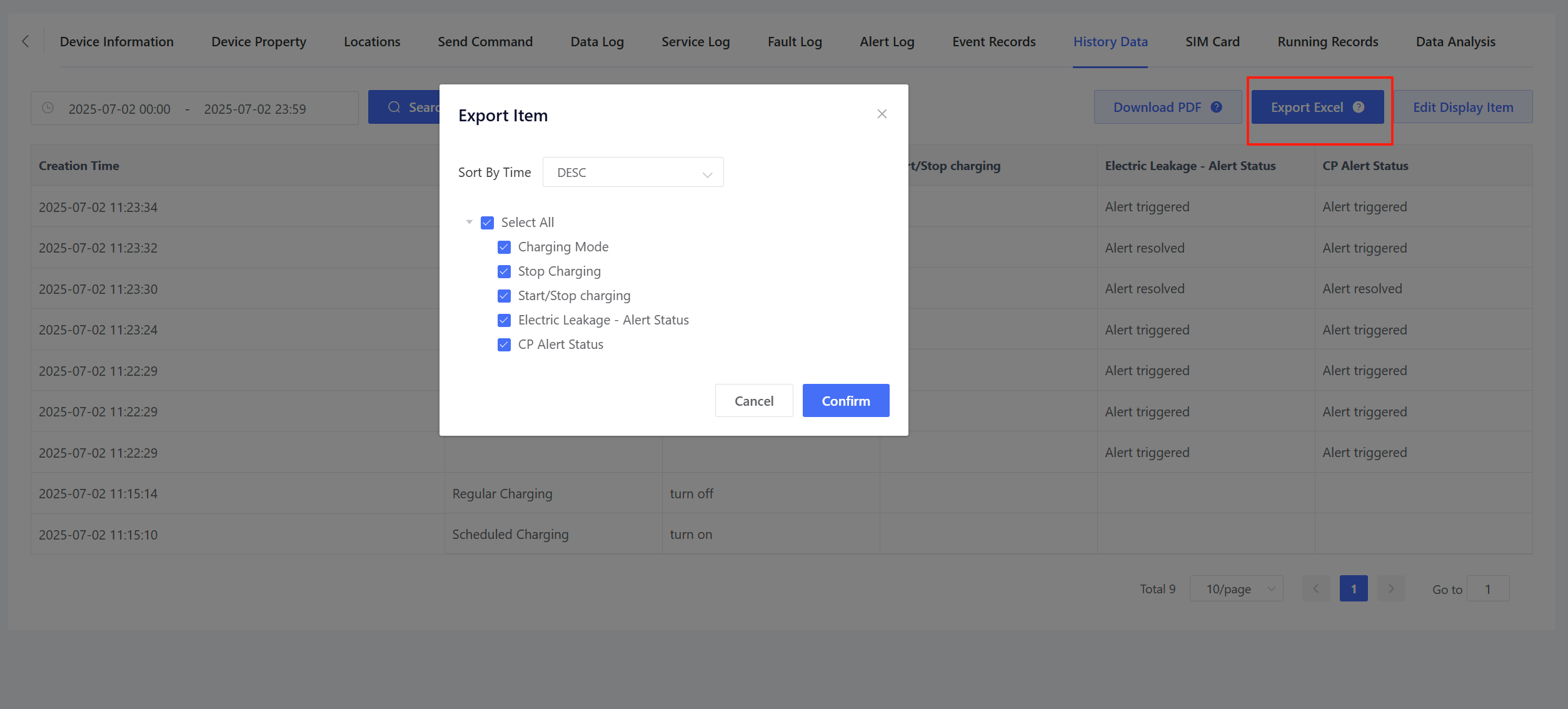
History data for the selected features can be exported as an Excel.
6.1.10 SIM Card
Display the SIM card information associated with the device. For more details, please refer to the SIM Card Service.
6.1.11 Running Records
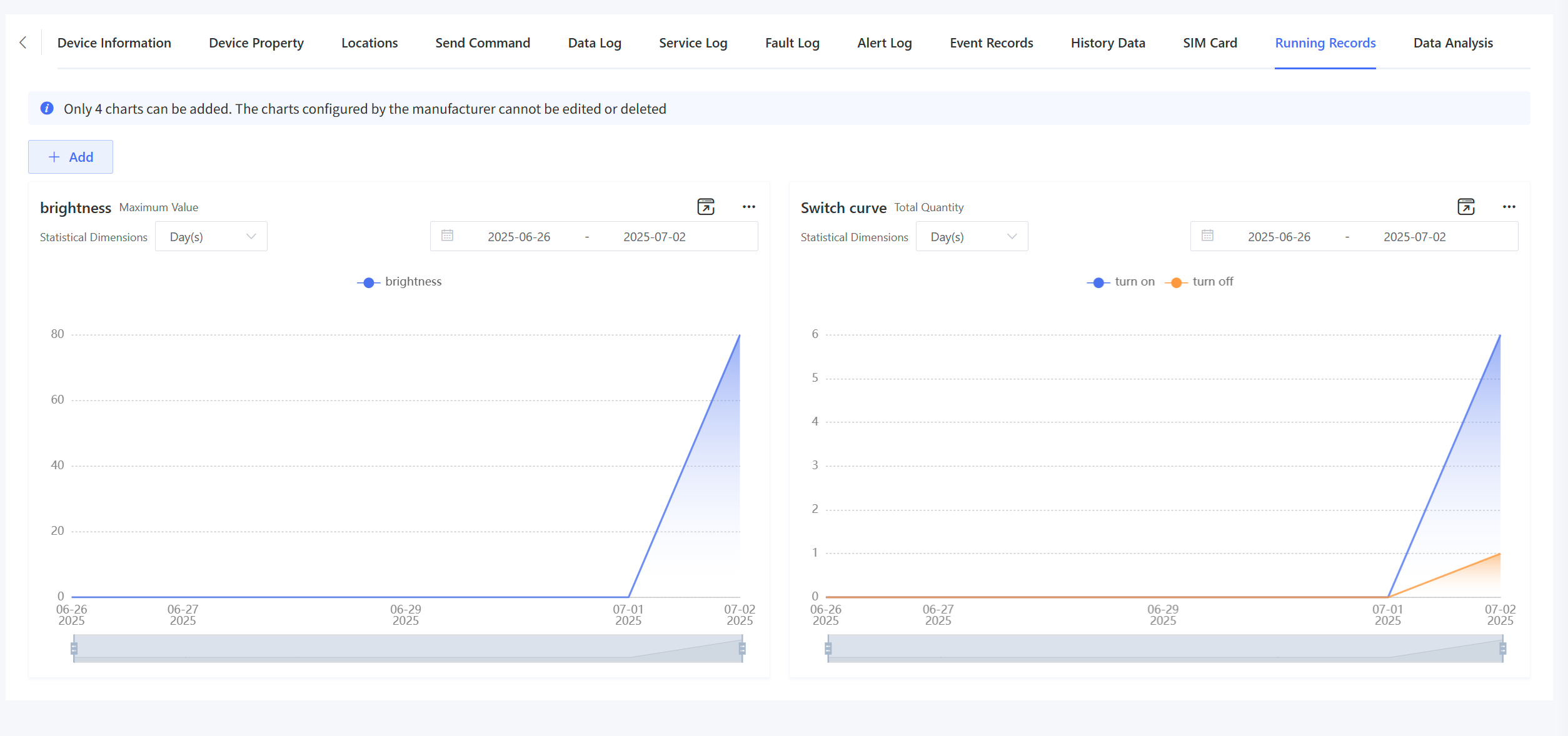
Display the device’s operation history. For configuration and usage instructions, please refer to Running Records.
6.1.12 Data Analysis
Display data analysis charts for the device. For configuration and usage instructions, please refer to Data Analysis.